X15-72-01 Pedestal Stand Mounting Instructions
Parts list for Pedestal Stand
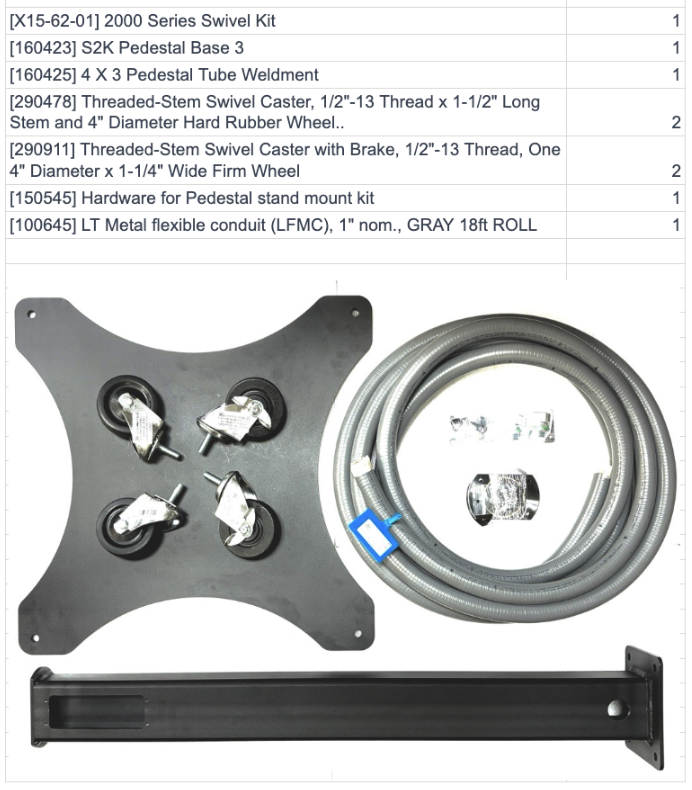
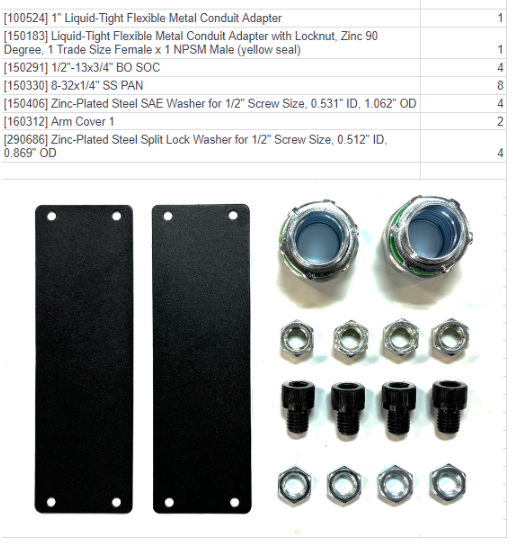
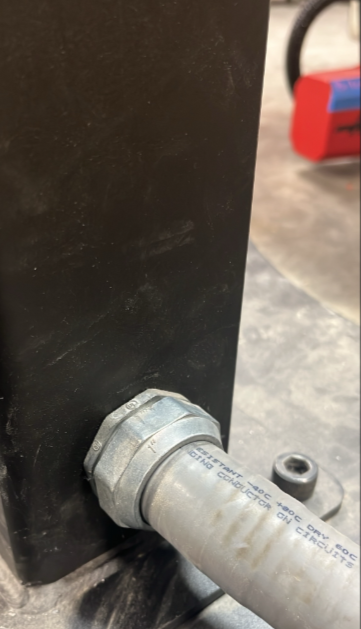
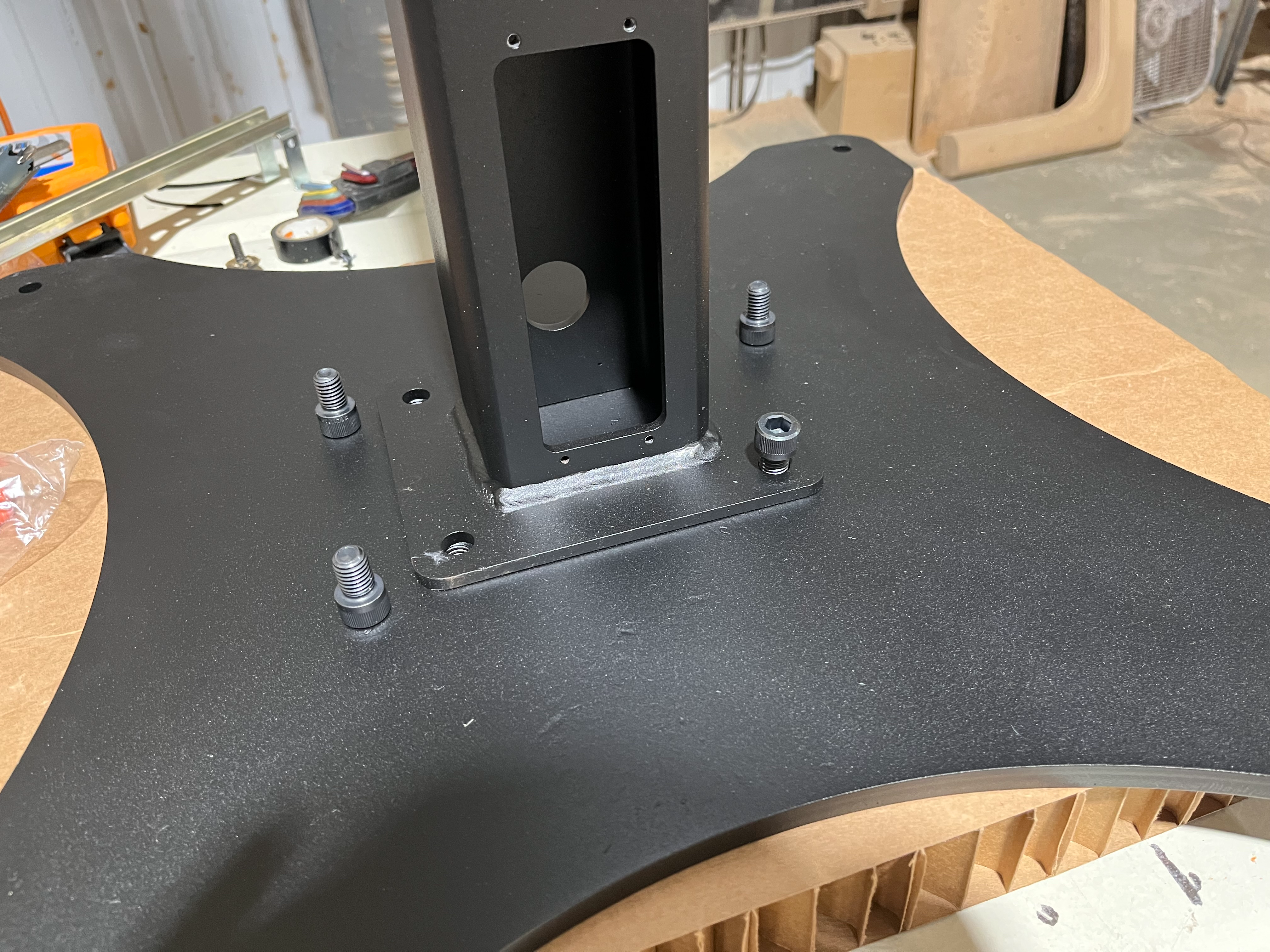
1) Mount the pedestal to the base using the provided 1/2"-13x3/4 socket head bolts 80 ft lb. Install provided conduit connector on the bottom of the pedestal. Next Install the 4 casters, using the provided Nuts and washers as shown below. Adjust the caster nuts as needed to level the wheels and ensure stable, even contact with the floor.
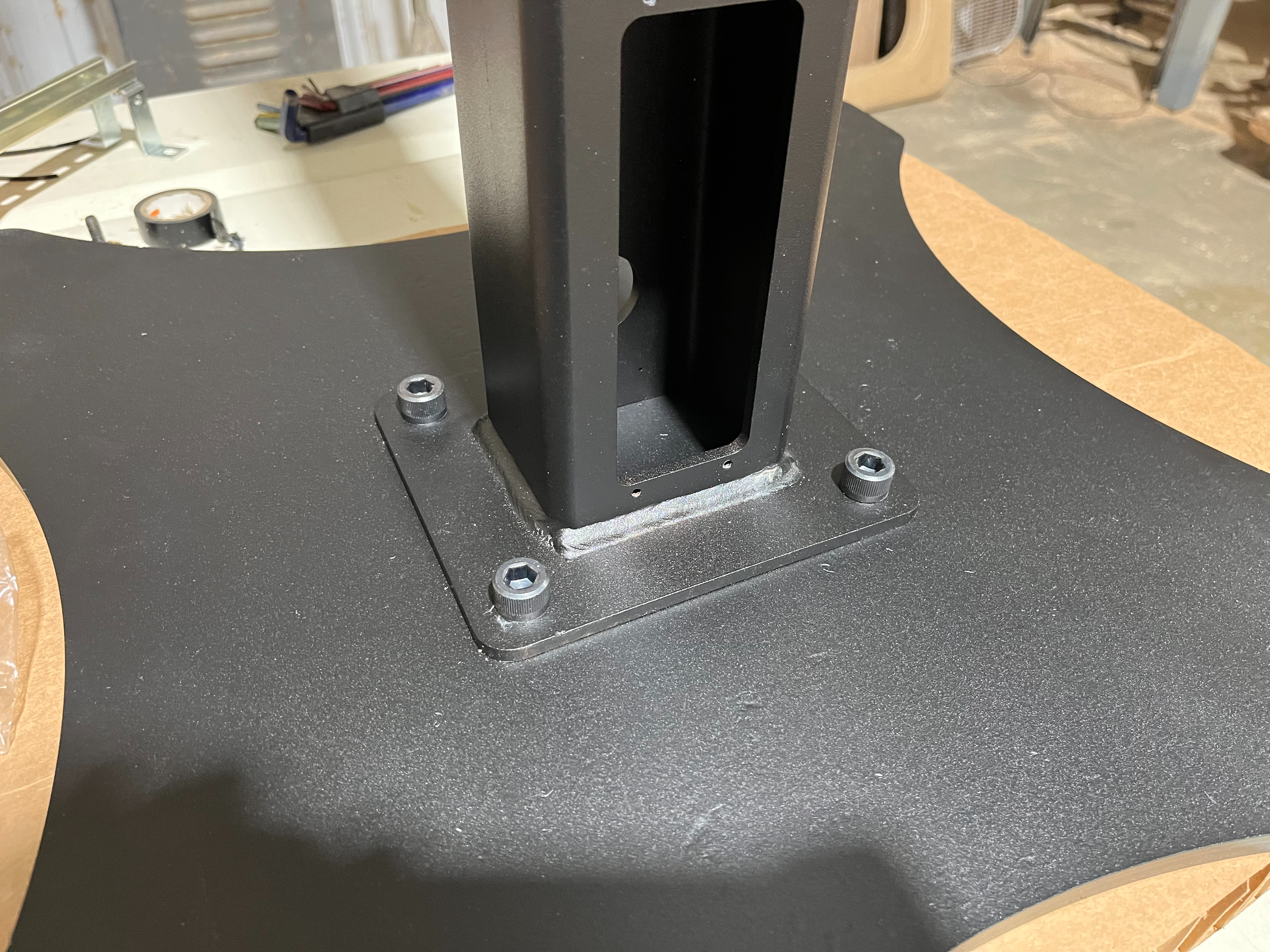
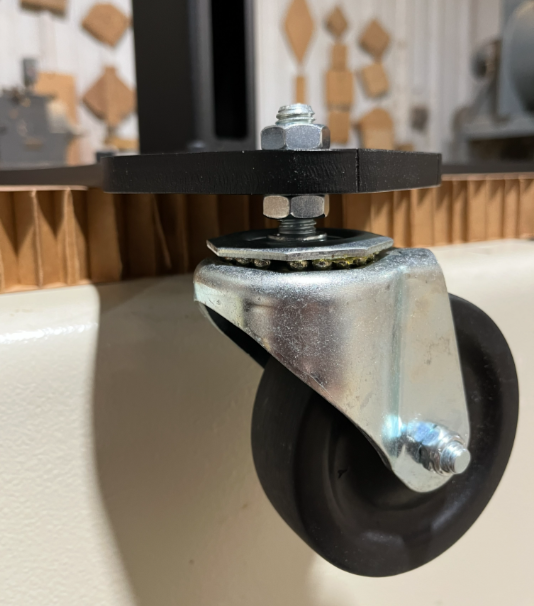
2) Place the swivel on the top of pedestal with the countersunk bolt holes on the bottom and secure with the provided ¼”-20 x 0.75” socket head cap screws using a 3/16” allen wrench. To make bolt access easier, temporarily install two bolts in the top of the swivel, as shown in the diagram below. Use a screwdriver or similar tool to rotate the upper portion of the swivel to align and access the mounting holes. Once the swivel is secured, place the strain relief plate on top of the swivel.
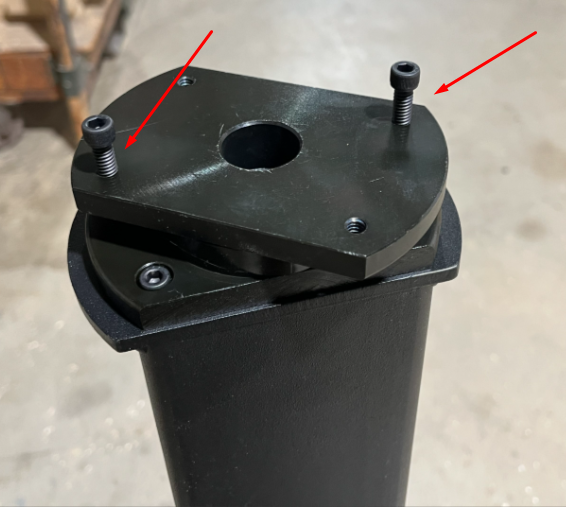
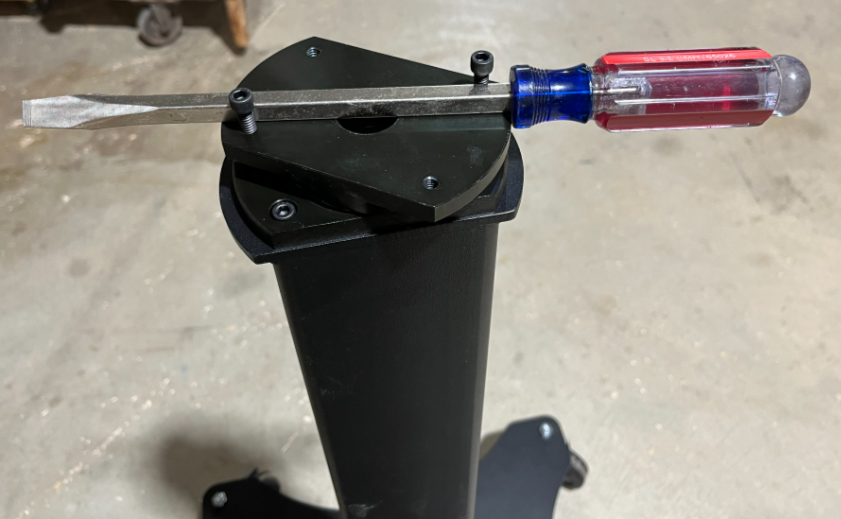

3) Locate the cable pass through knockout on the keyboard tray mount and knock out.
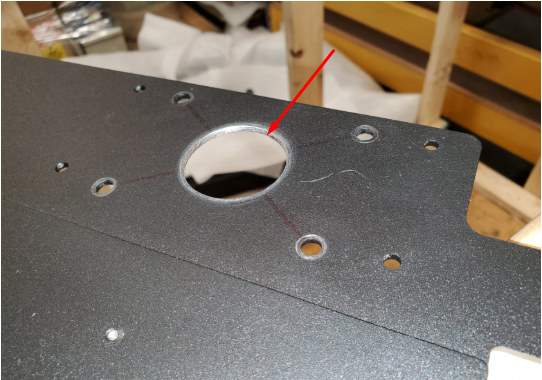
4) Mount the keyboard tray mount with the supplied ¼”-20 x 0.75” socket head cap screws, sandwiching the strain relief plate in the middle, using a 3/16” allen wrench.

5) Place the control unit on its back on a clean, protected surface to prevent damage. Locate the four (4) knockouts on the bottom of the control, surrounding the center cable pass-through hole. Carefully remove the knockouts

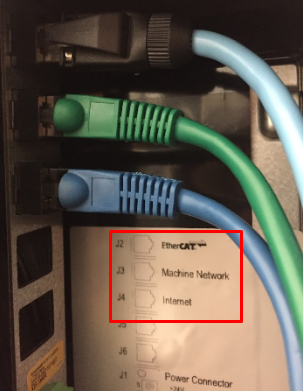
6) Place the control unit onto the keyboard tray mount, aligning the bolt heads with the knockout holes in the bottom of the control. It is recommended to have a second person hold the control in place during this step. While stabilizing the control, insert the provided eight (8) 8-32 screws through the bottom of the keyboard tray mount and into the control, then tighten securely using a Phillips screwdriver.

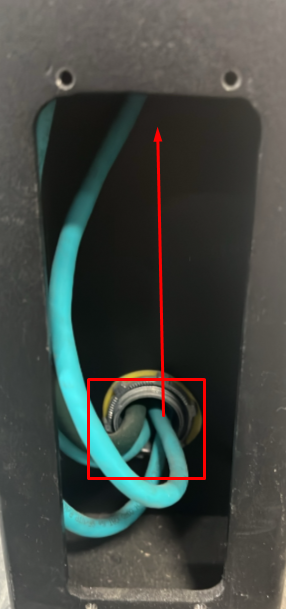
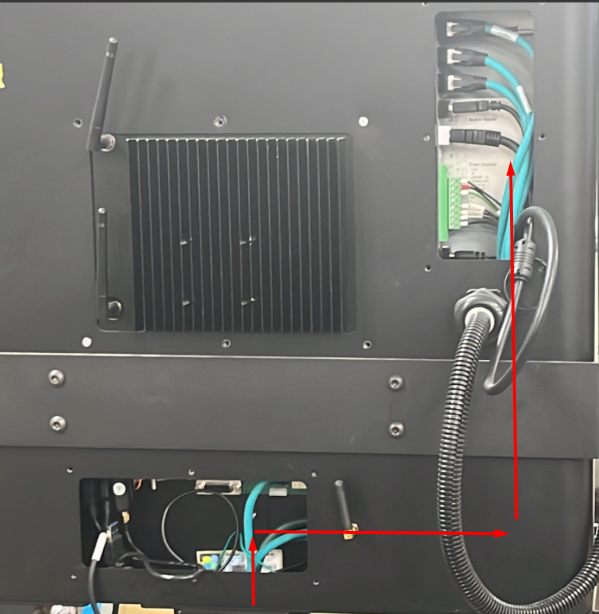
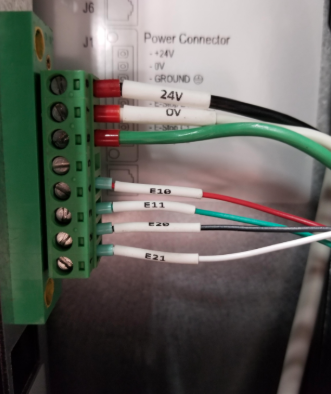
7) Run the HMI cables through the conduit, up through the pedestal stand, and out the top opening. Then route the cables through the back of the control, as shown below.