
MachPro Blum Probing Routines

| MachPro Version | 2026.5.13.1 and greater |
Prerequisites
- Install and configure your probe according to the manufacturer's documentation
- Map the inputs to the appropriate MachPro signals
MachPro incorporates the Blum Edge Finding macros to provide the advanced probe features.
- Click the Fixtures tab at the bottom of the screen
- Click the Edge Finding tab at the top of the screen
Clicking on the top left corner of the screen toggles between selecting the probing routine to use, and running that routine.

Full documentation for all routines and settings is provided by Blum.
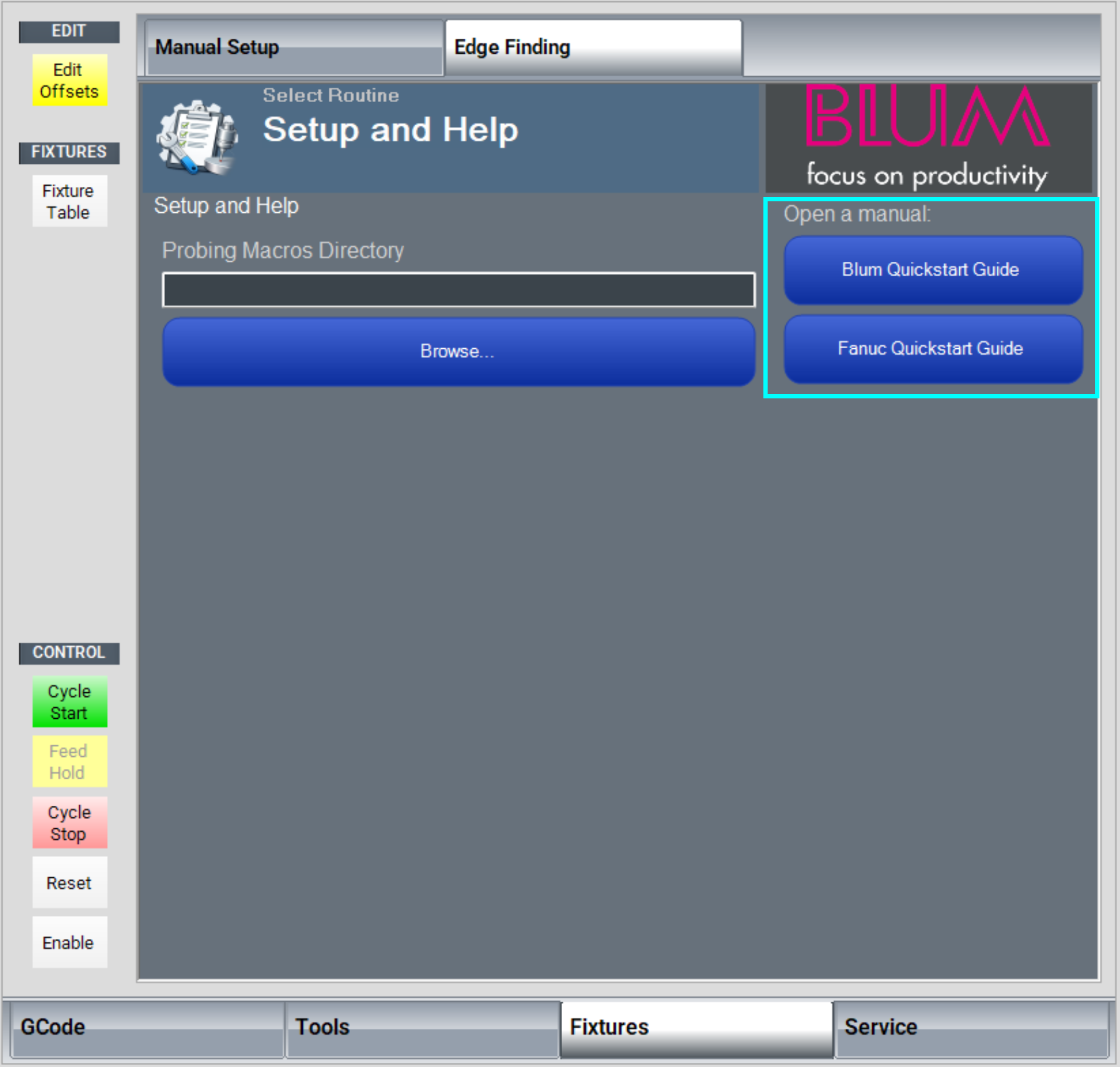
Scroll to the bottom of the routine selection window and click Setup and Help.
Both of the Guide buttons will open PDF Blum documents.
|
|
|

| http://www.mach-labs.com | MachLabs Documentation | support@mach-labs.com |
The MachLabs Team
14518 County Road 7240, Newburg, MO 65550
support@mach-labs.com