
PoLabs PoKeys Motion Controllers
{{@2007#bkmrk--1}}
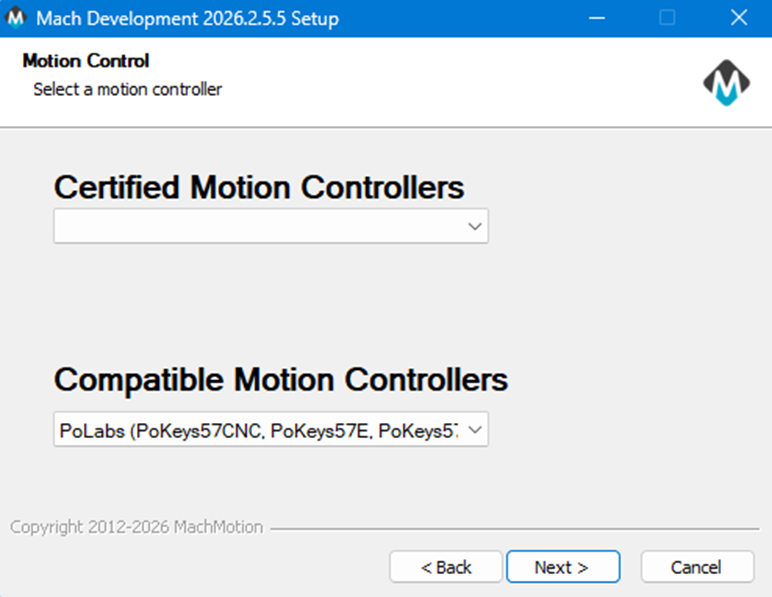
Select Motion Controller and complete MachPro installation |
|
|
|
The |
|
|
There should be a new MachLabs icon on your screen with the machine type as its label. Double click that to start MachPro. |
|
|
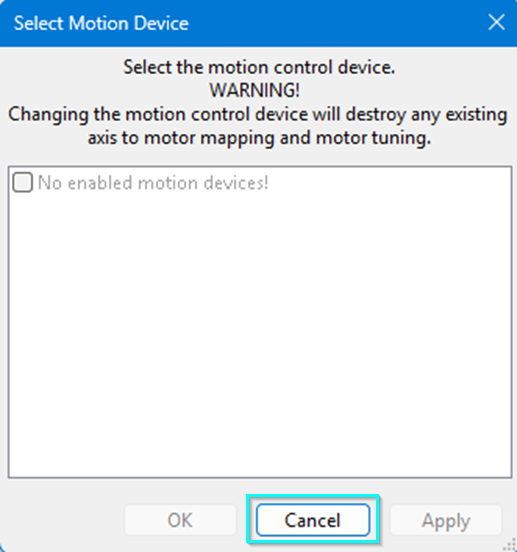
This window may popup for selecting the motion controller.
|
PoKeys plugin
|
|
|
|
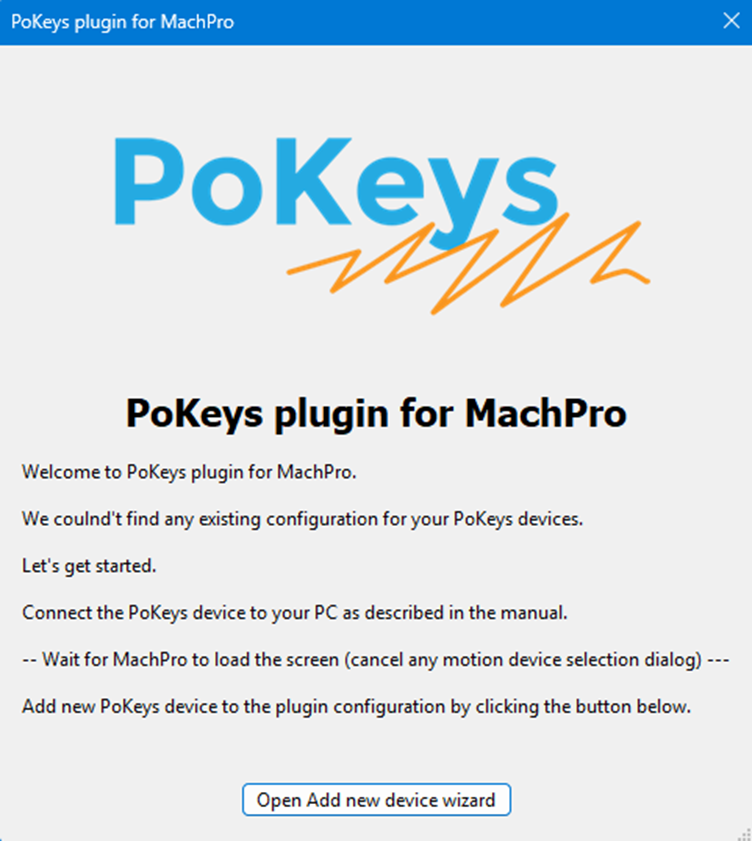
After MachPro has loaded completely, click the button on this window to continue the PoKeys plugin |
|
|
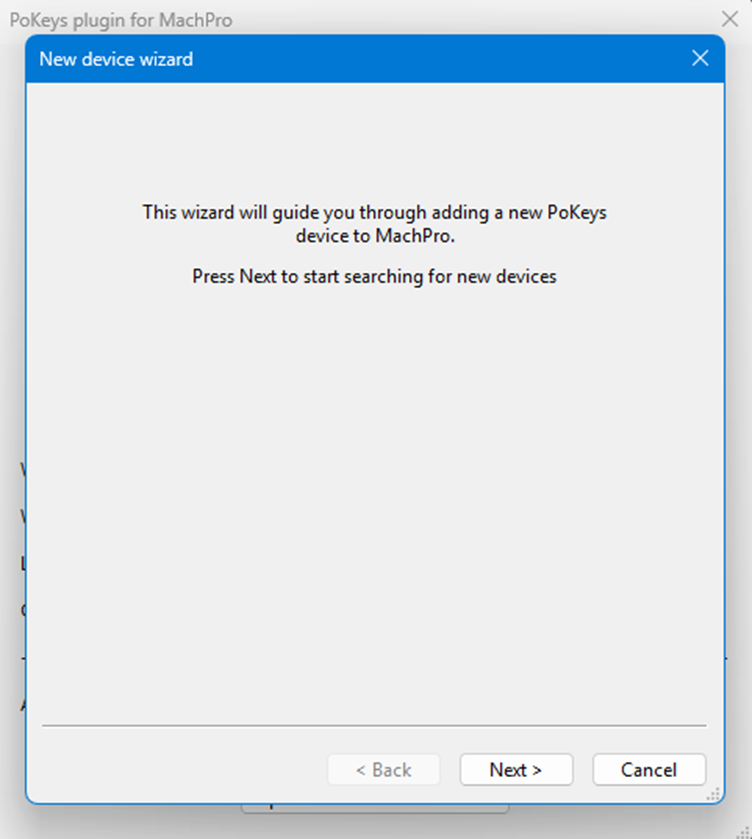
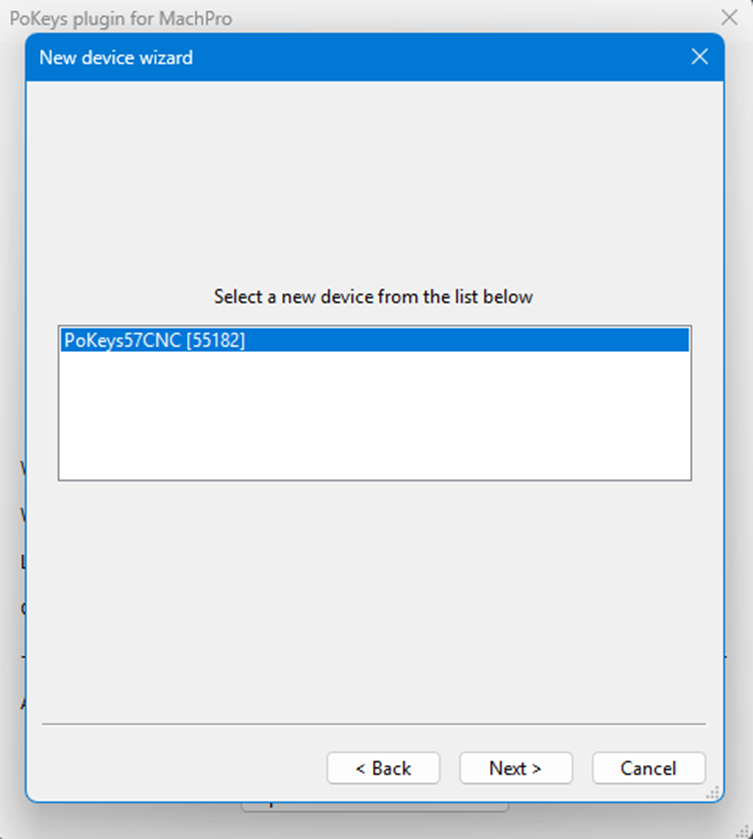
This window will open so the PoKeys plugin can search for compatible devices. |
|
|
It located this device. |
|
|
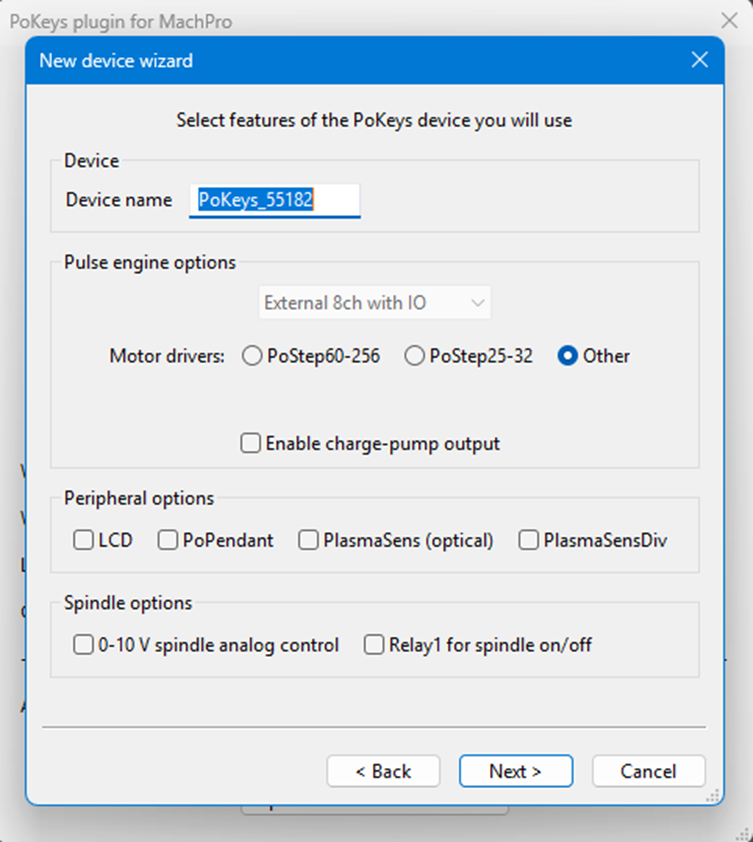
Select the features that you will be using with your PoKeys motion controller. |
|
|
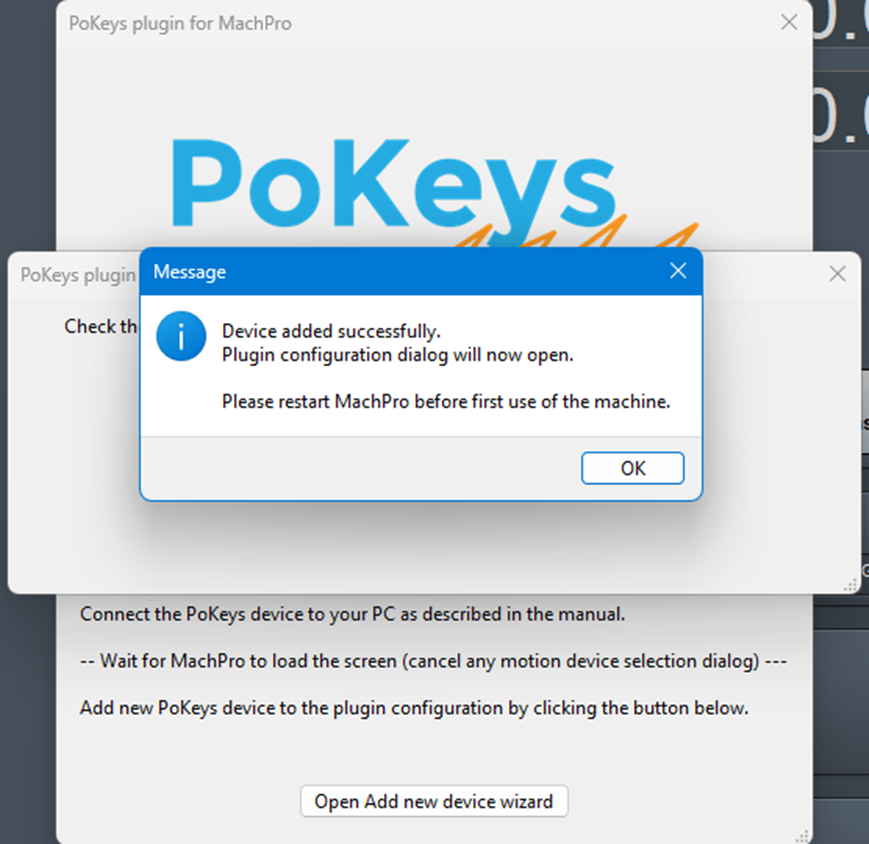
After you have selected the features, and completed the PoKeys plugin
|
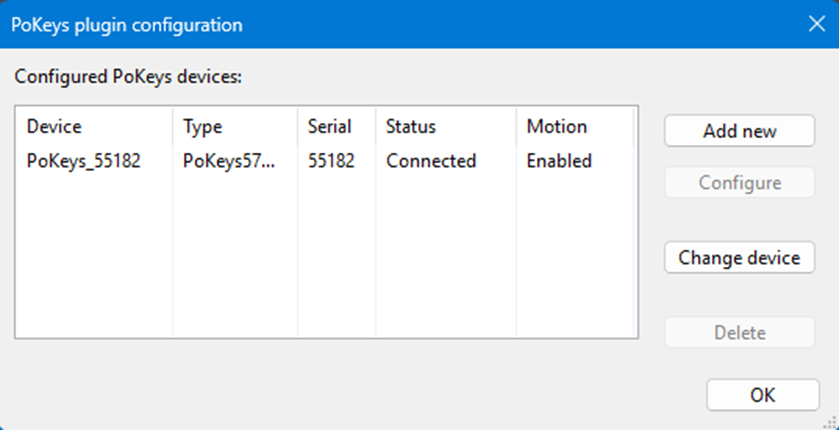
PoKeys Plugin configuration |
|
|
|
From MachPro's menu:
|
|
|
If the Pokeys Plugin sees your motion |
|
|
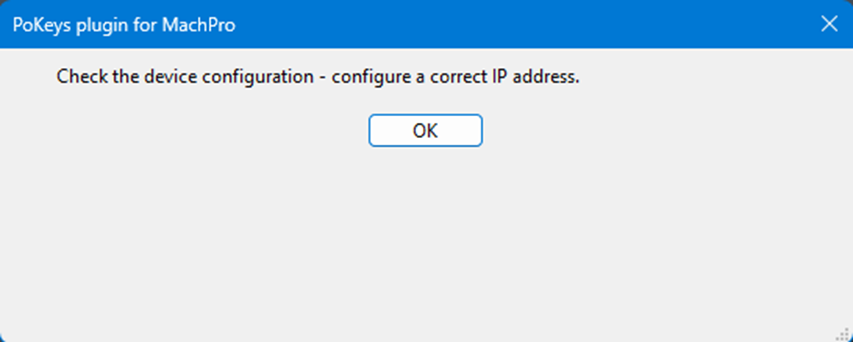
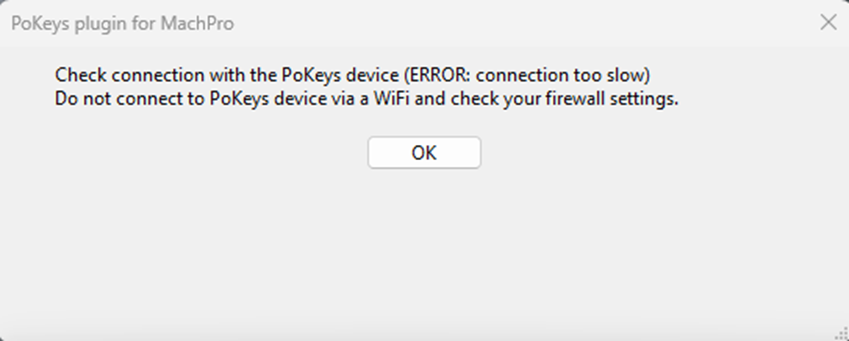
If this ERROR window opens, there is a connection
|


Motion Controller completion steps
- Please refer to the PoLabs manual (Available here) to complete the setup of your motion controller.
- You need to integrate MachPro with your PoKeys motion controller. Use this manual to complete those steps: MachPro Compatible Motion Controller Configuration Settings
{{@2016}}