
PoLabs PoKeys Motion Controllers

MachPro 26 CNC Software Roadmap
This installation is a two-step process. During the MachPro package installation, the PoLabs plugin was copied to your hard drive. The first step of the installation is to now configure that plugin. The second step is to use the PoLabs plugin to configure your PoLabs motion controller.
Please refer to the PoLabs documentation and the main support site for all information about your motion controller and its installation and configuration. Note that PoLabs encourages customers to use Ethernet connections if that is an option with your motion controller.
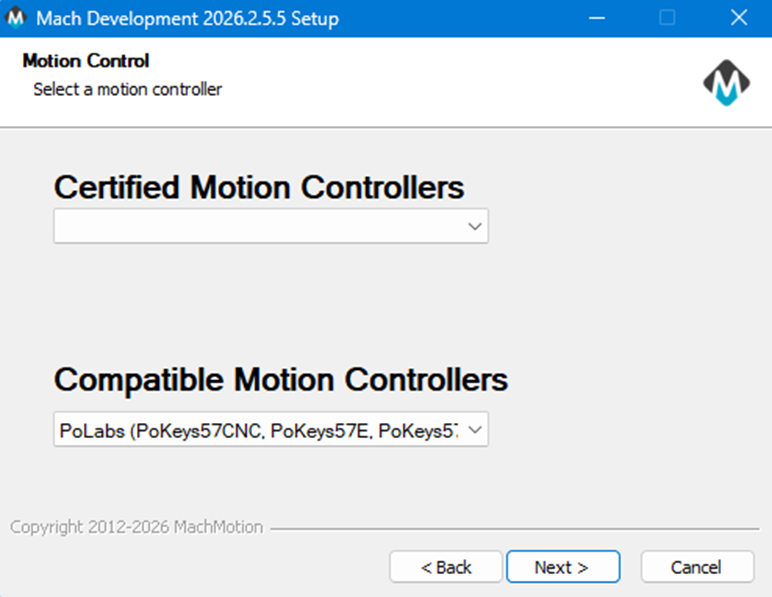
Select Motion Controller and complete MachPro installation |
|
||
|
|
During the MachPro package installation, you will have selected the motion controller, and the correct PoKeys plugin was installed. The installation process will be completed when MachPro is started for the first time. |
||
|
There should be two new icons on your screen:
|
||
|
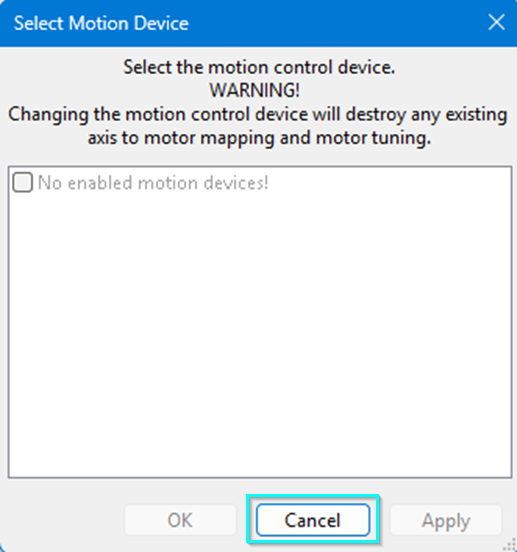
Cancel this window as soon as you see it if you have not configured MachPro's PoKey plugin. |
This window may popup for selecting the motion controller.
|
||
PoKeys plugin installation |
|
||
|
|
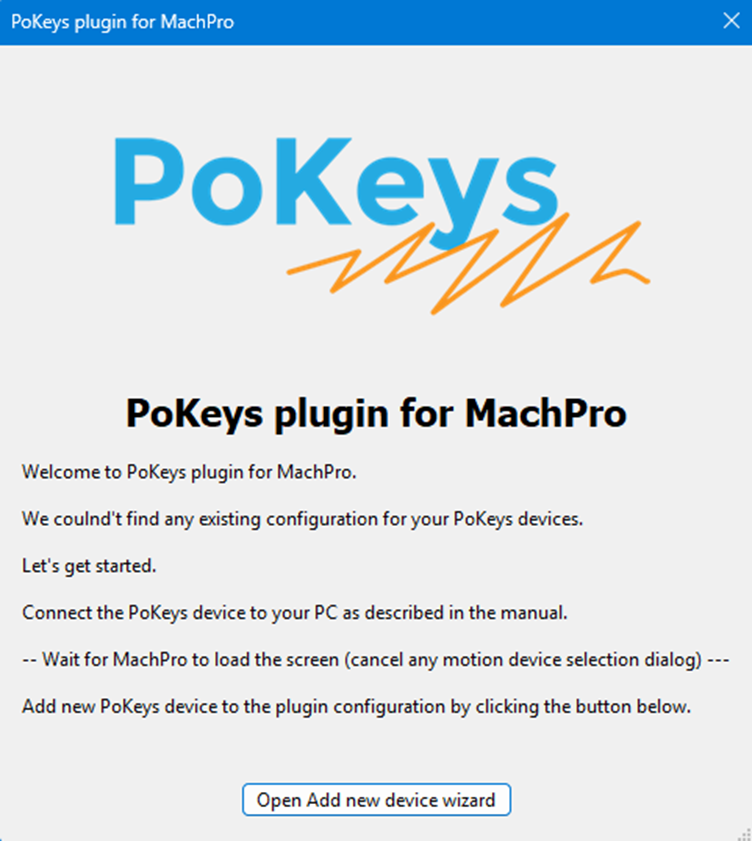
After MachPro has loaded completely, click the button on this window to continue the PoKeys plugin configuration. |
||
|
|
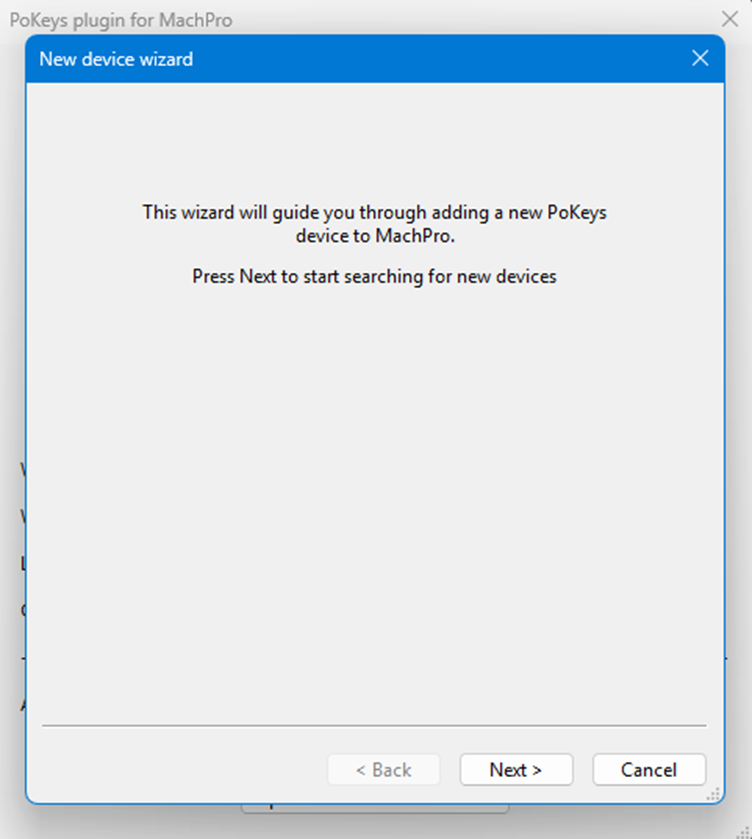
This window will open so the PoKeys plugin can search for compatible devices. |
||
|
|
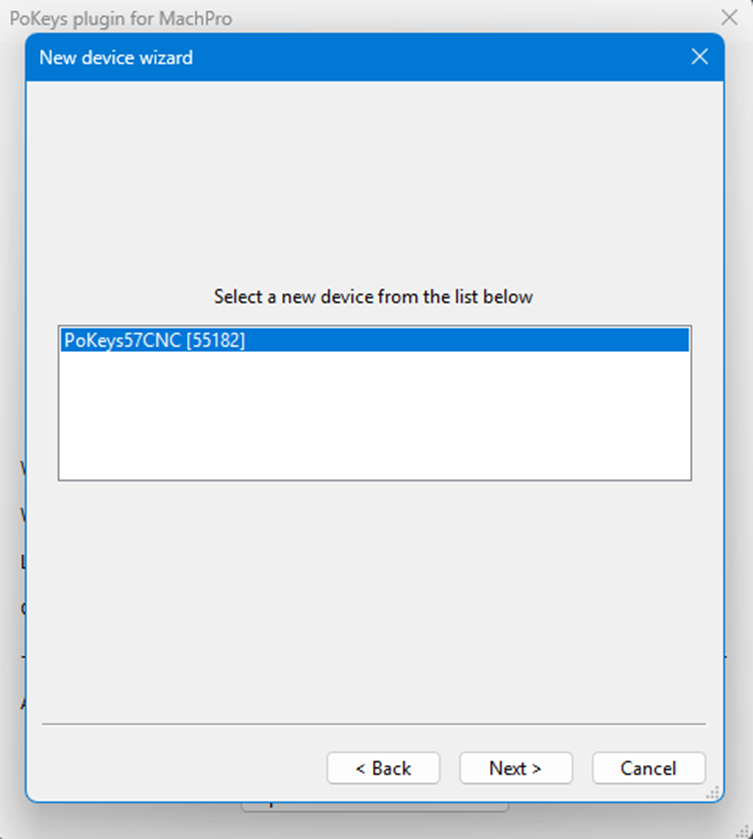
The PoKeys plugin located this device. |
||
|
|
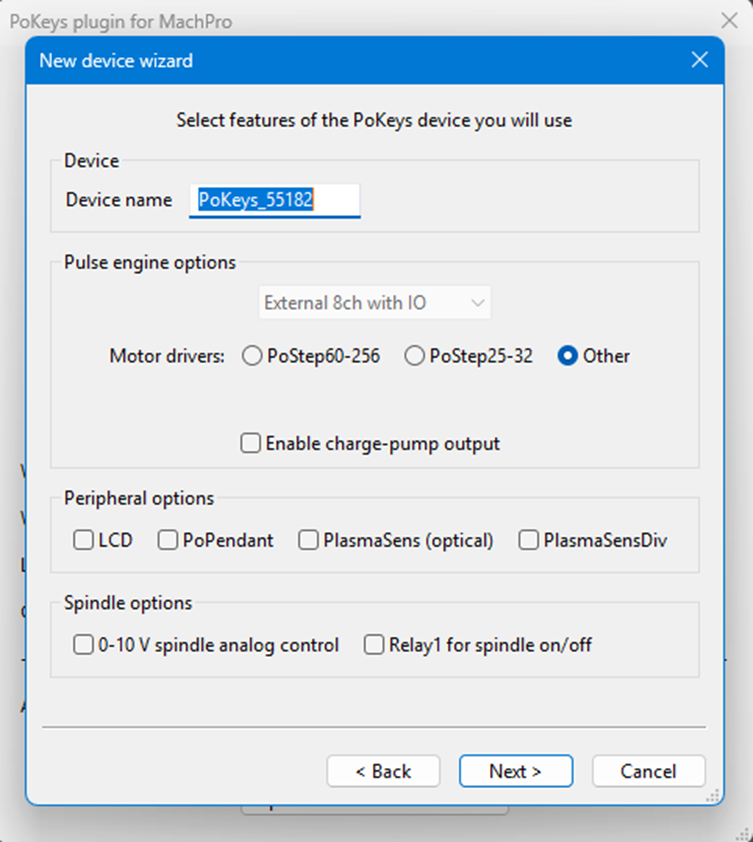
Select the features that you will be using with your PoKeys motion controller. |
||
|
|
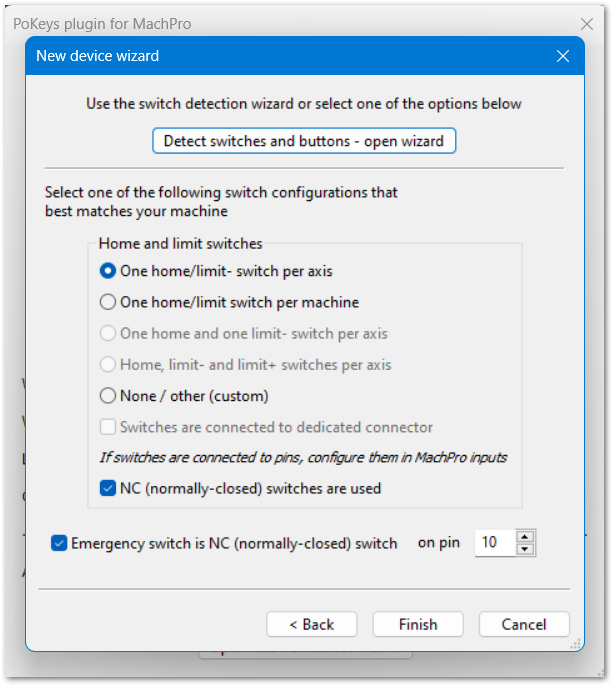
Select the options that match your intended switch configuration on this machine. |
||
|
|
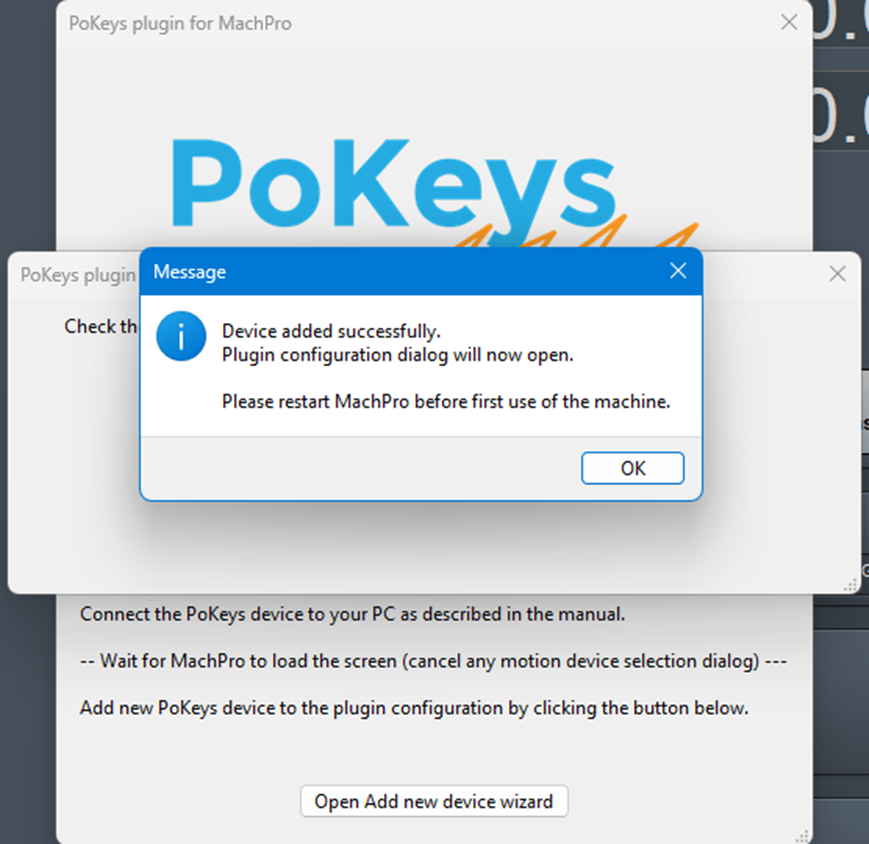
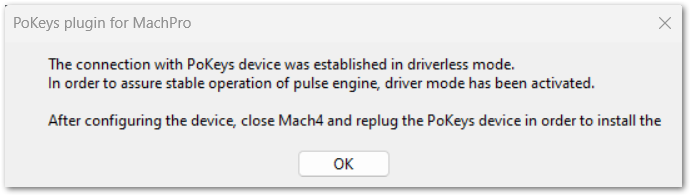
After you have selected the features, and completed the PoKeys plugin configuration:
|
||
PoKeys motion controller configuration |
|
||
|
|
This is the second step in the PoLabs motion controller configuration. From MachPro's menu:
|
||
|
|
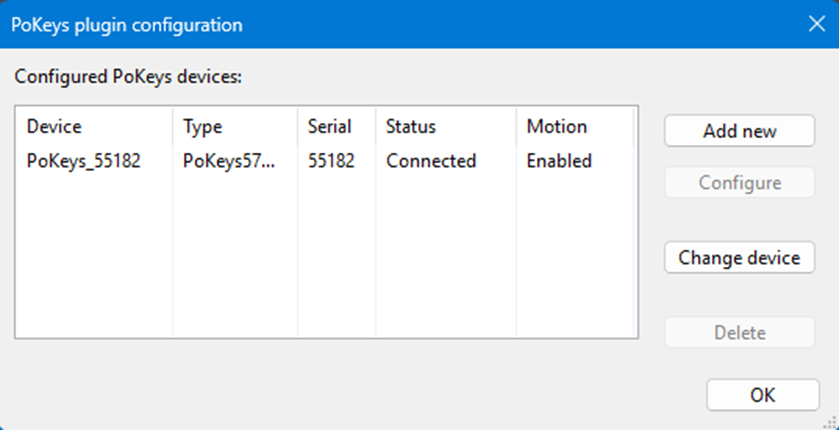
If the Pokeys Plugin sees your motion controller (previous step), you may safely close this window if it comes up. | ||
|
|
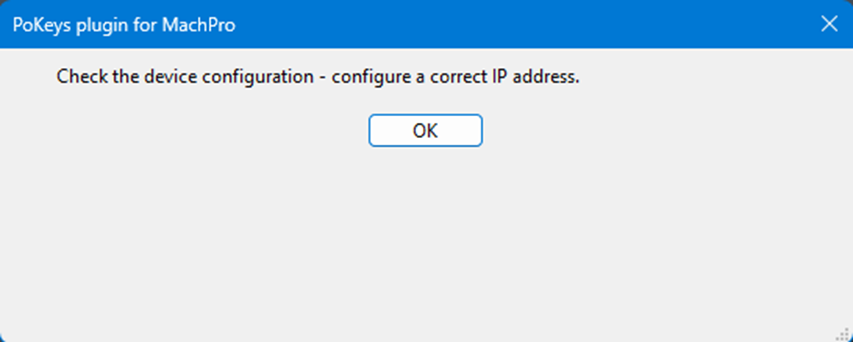
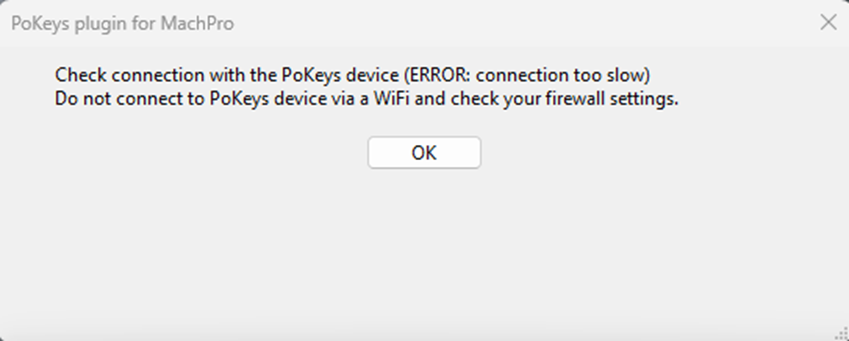
If this ERROR window opens, there is a connection configuration problem. Follow the PoKeys troubleshooting documentation for your motion controller. If you continue to have problems please open a ticket with PoLabs support.
|


MachPro 26 CNC Software Roadmap
| http://www.mach-labs.com | MachLabs Documentation | support@mach-labs.com |
The MachLabs Team
14518 County Road 7240, Newburg, MO 65550
support@mach-labs.com