Select Motion Controller and complete MachPro installation
|
|
|
|
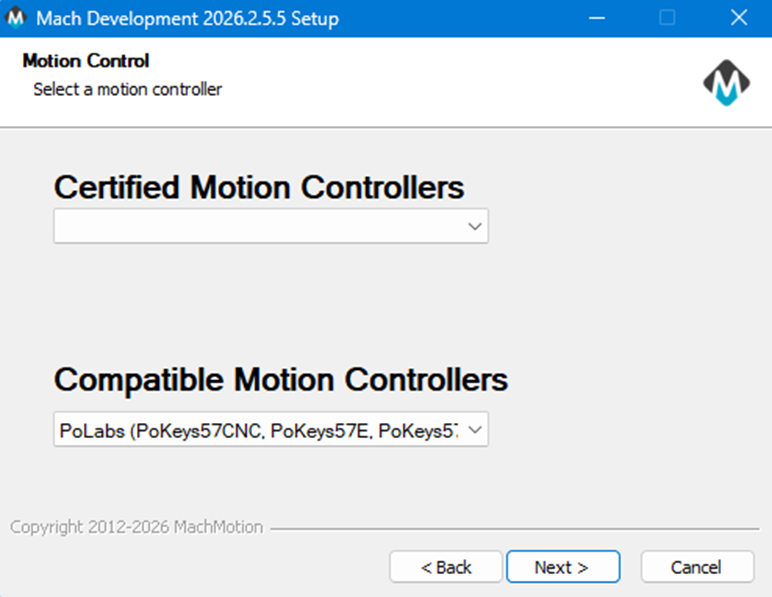
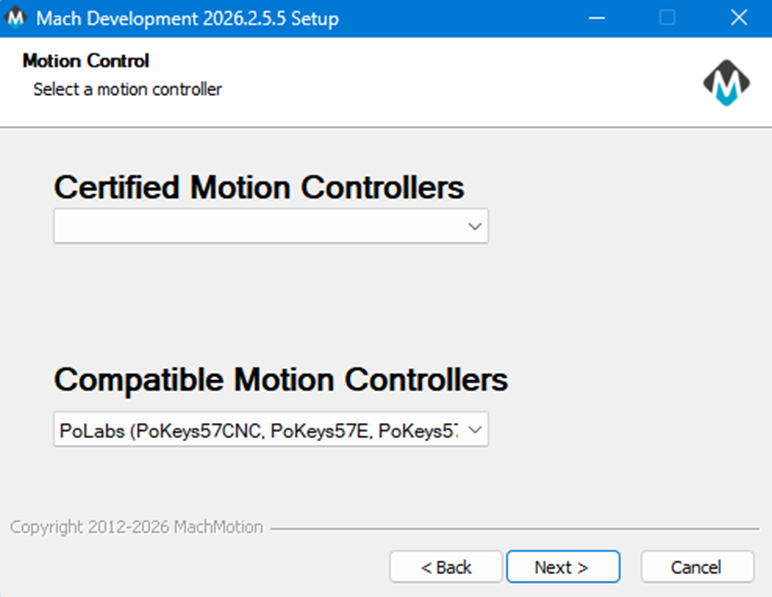
Choosing Pokeys controller in the installer setupsetup. The MachPro installation will complete without any further actions needed for the PoLabs motion controller. That installation will be completed when MachPro is started for the first time.
|
|

|
There should be a new MachLabs icon on your screen with the machine type as its label. Double click that to start MachPro.
|
|
|
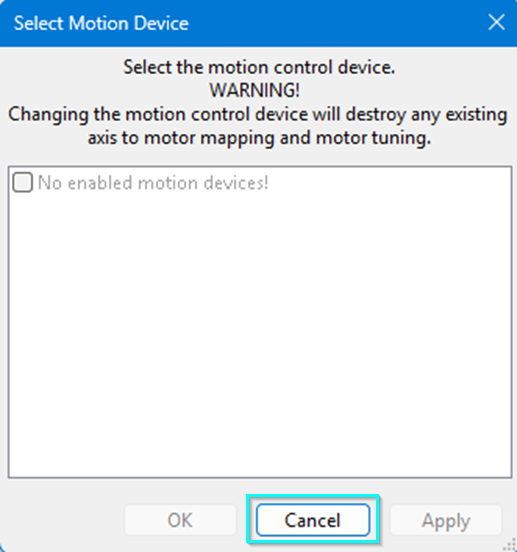
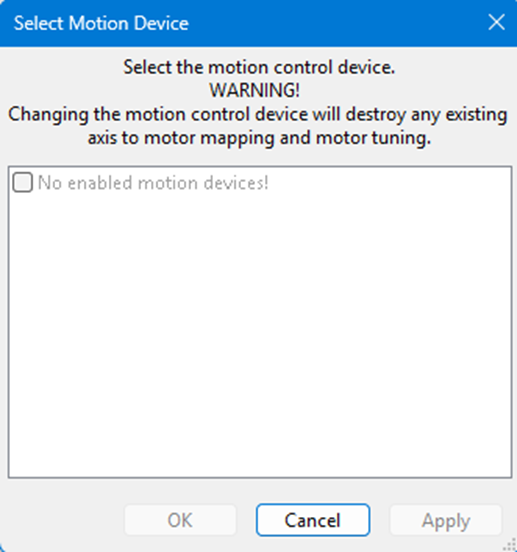
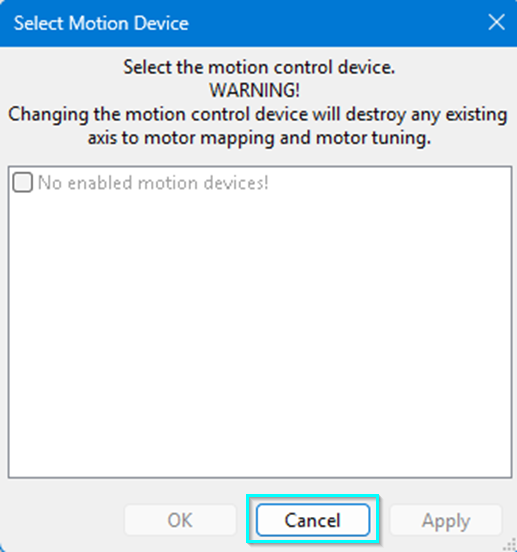
PopupThis window may popup for selecting the motion controller.
AccordingClick the Cancel button so that it does not select a motion controller, but MachPro will load to thecompletion. pokeys
|
Complete PoKeys plugin clickinstallation
cancel |
before
the rest of mach will launch.
|
|

|
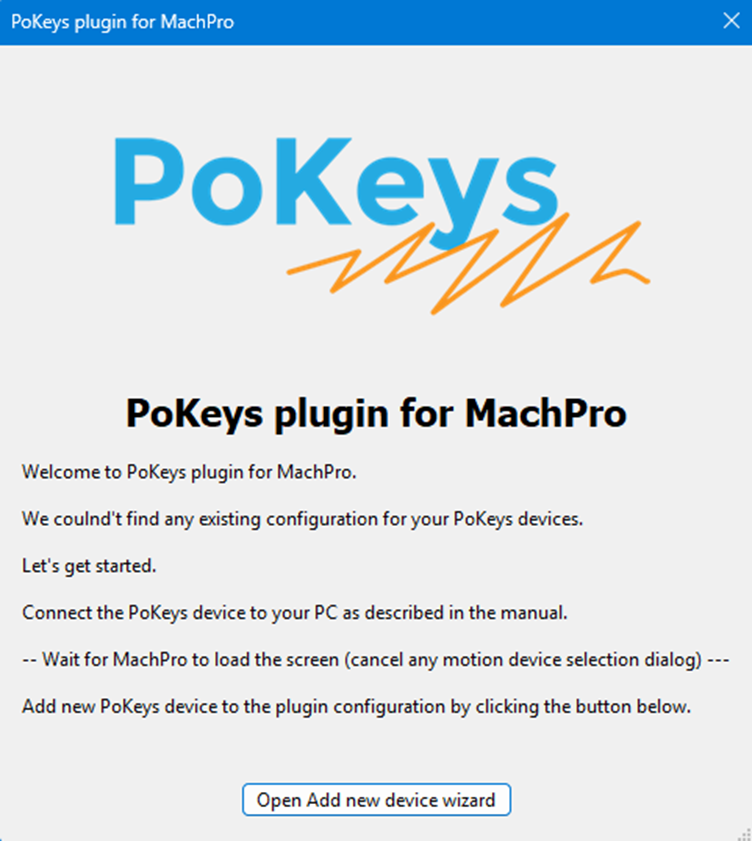
Pokeys plugin configurator on install. After machMachPro finisheshas loadingloaded completely, click the button.button on this window to continue the PoKeys plugin installation.
|
|
|
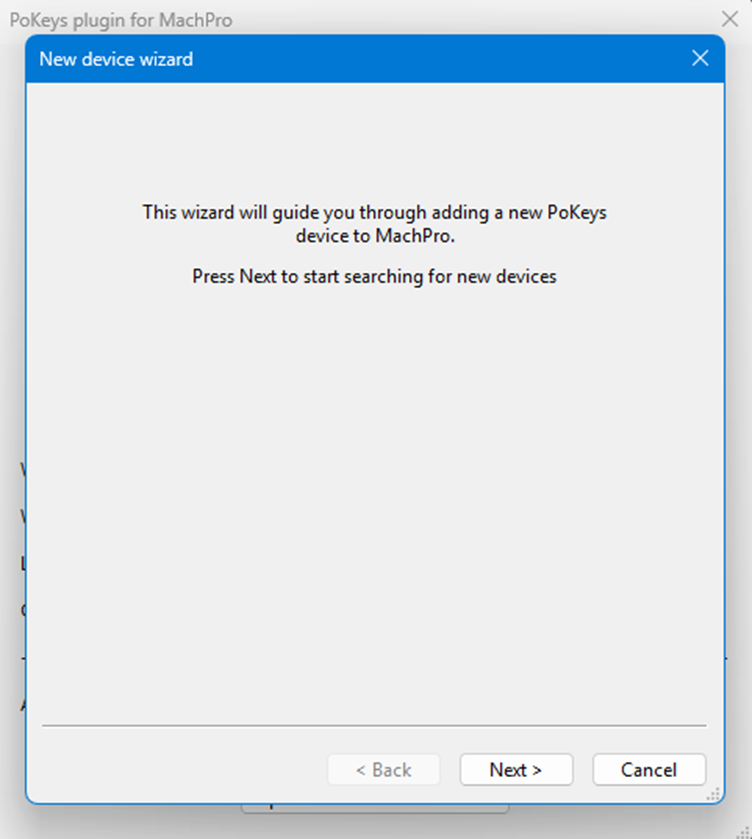
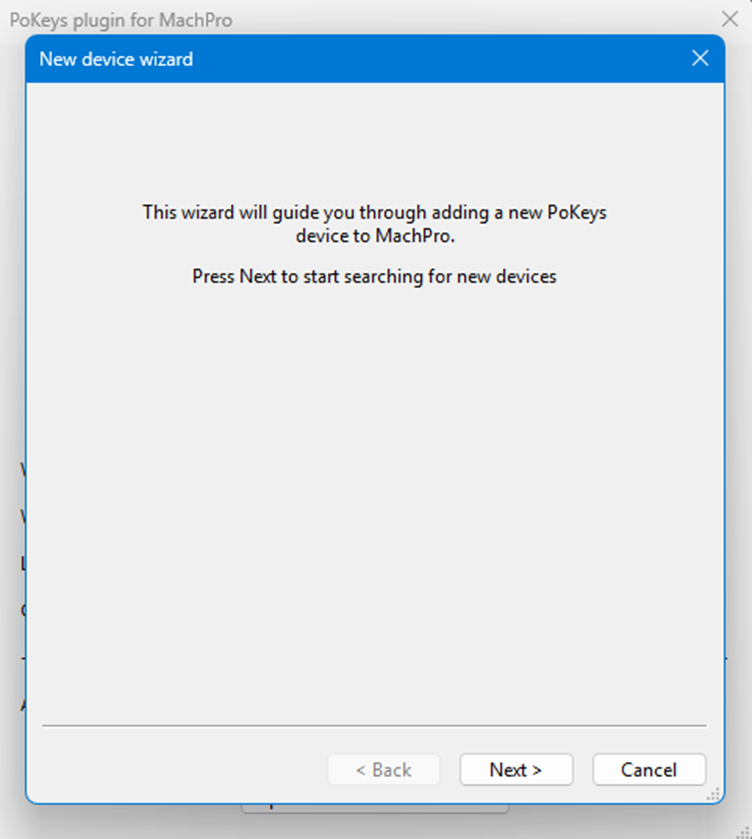
AfterThis clicking that button this screen pops up. Itwindow will sayopen itsso searchingthe PoKeys plugin can search for acompatible new device.devices.
|
|
|
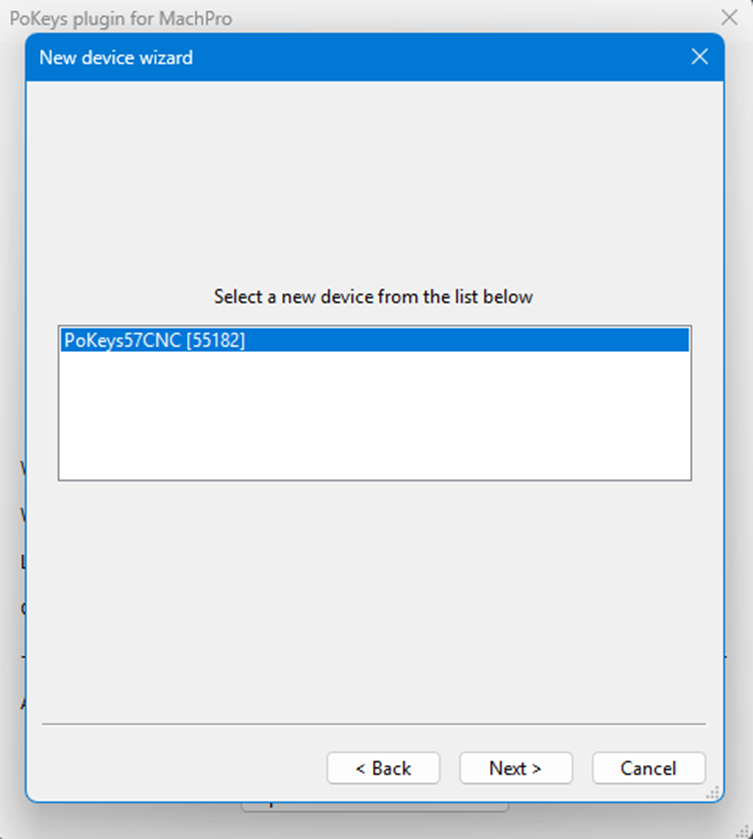
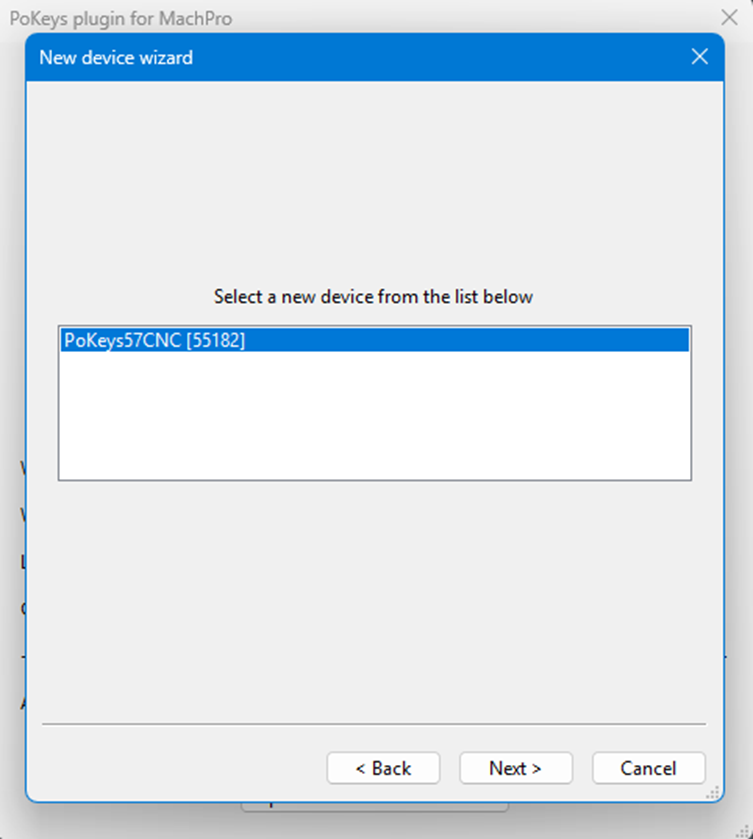
FoundIt located this device on the search.device.
|
|
|
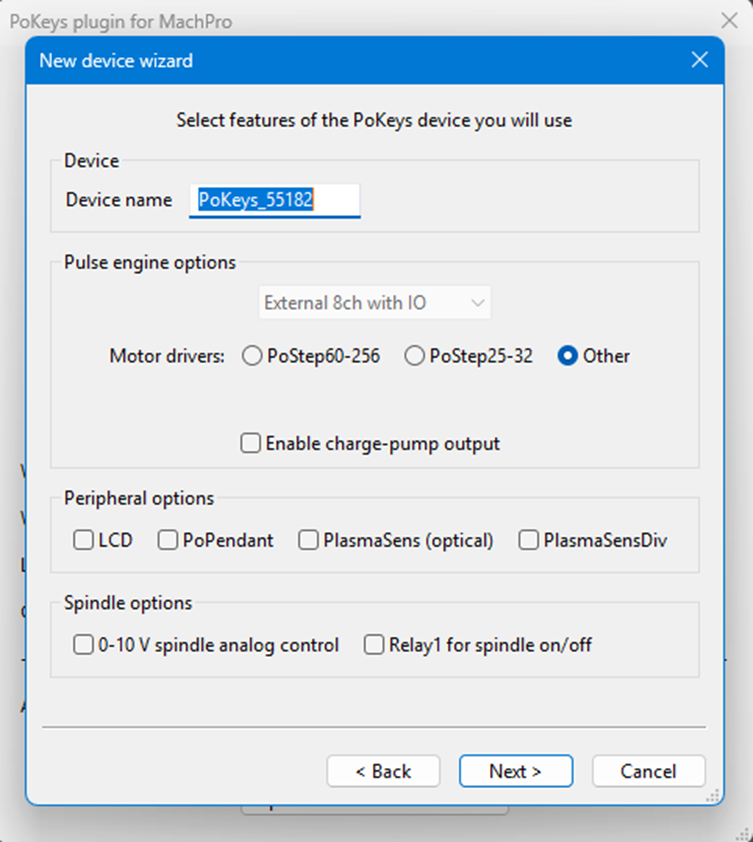
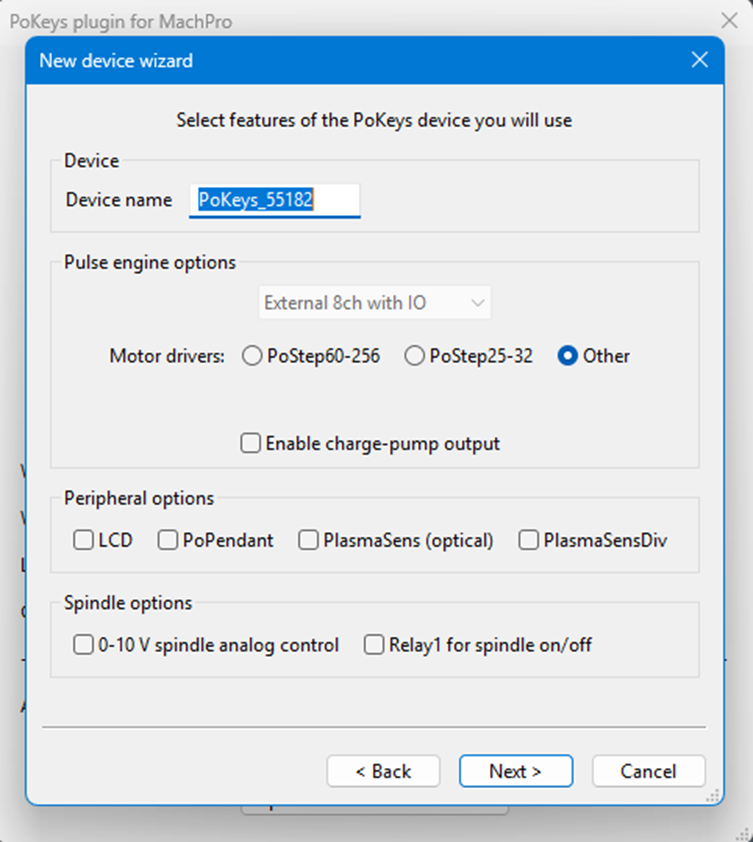
NextSelect screenthe offeatures options.that you will be using with your PoKeys motion controller.
|
|
|
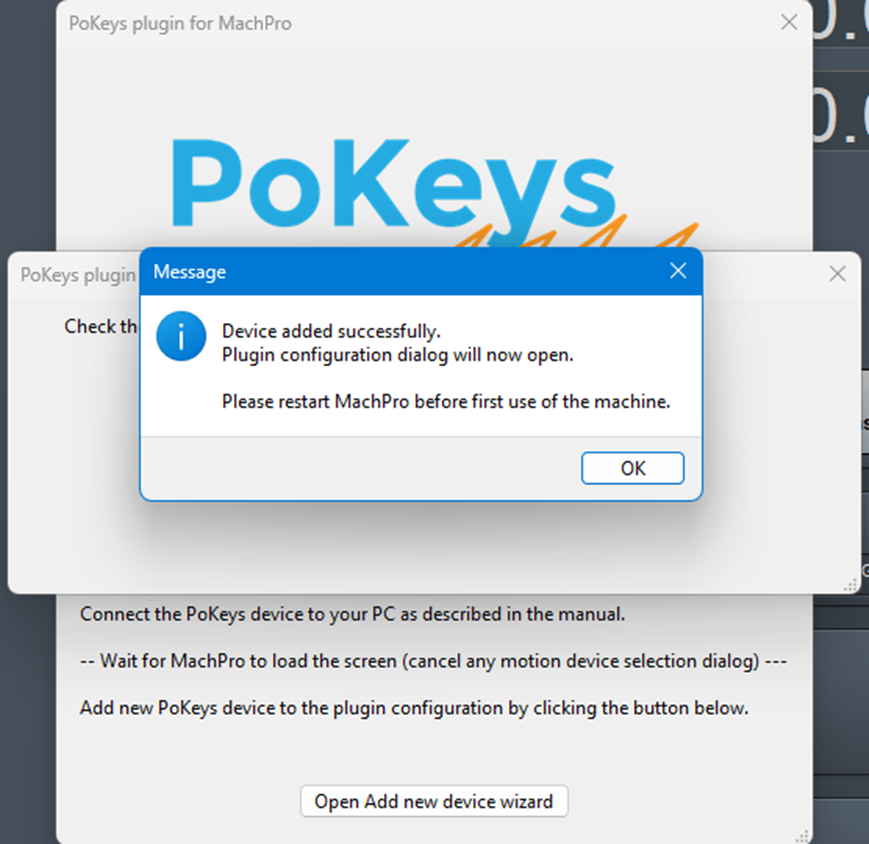
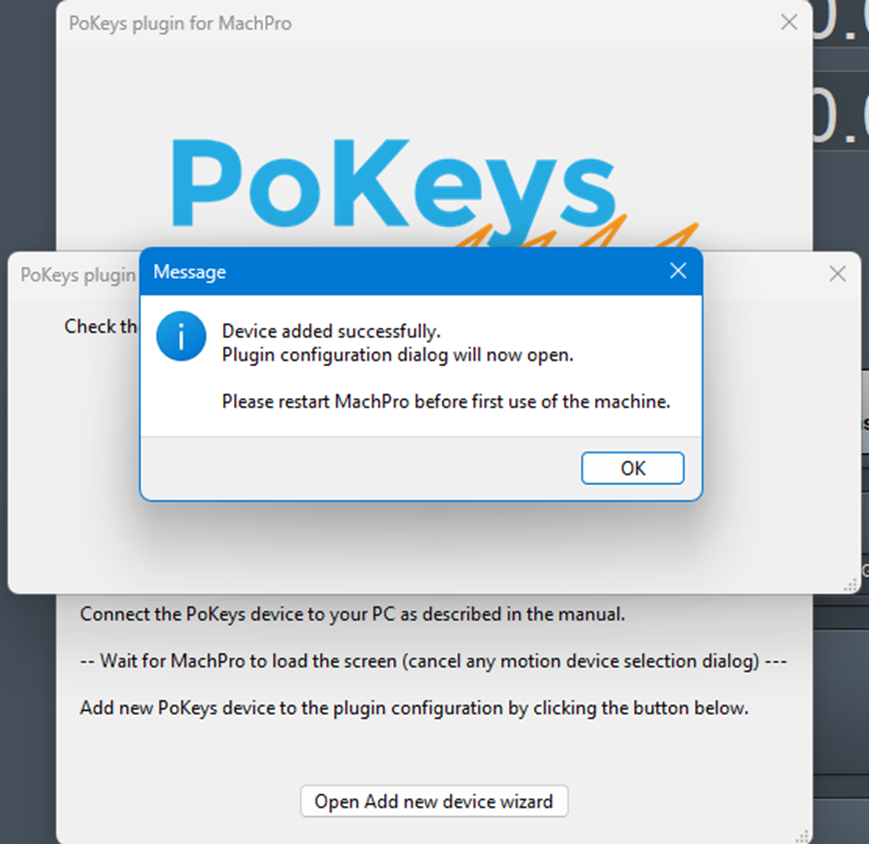
AsksAfter toyou restarthave machselected afterthe finishing.features, and completed the PoKeys plugin installation:
- close the open windows
- Close MachPro
- Restart MachPro
|
|
finish
PoKeys machproPlugin install?configuration then do the following?changes
|
|
|
|
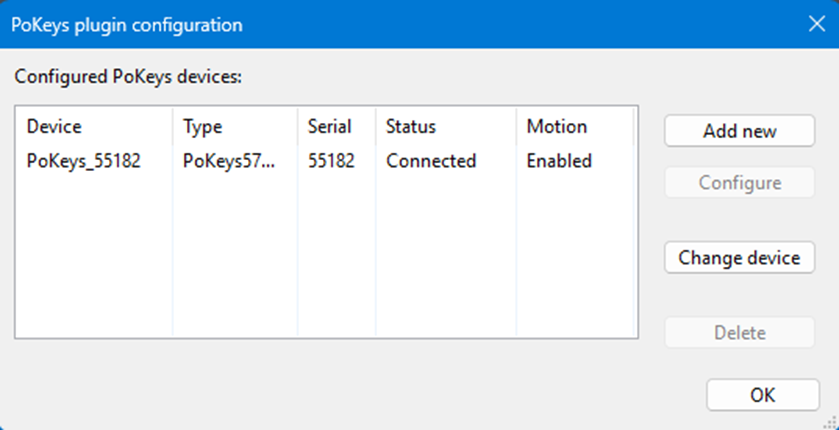
HereFrom itMachPro's displaysmenu:
the
devices- Disable
andMachPro
allows- Pull
openingdown toConfigure change-> differentPlugins features-> onPokeys thePlugin
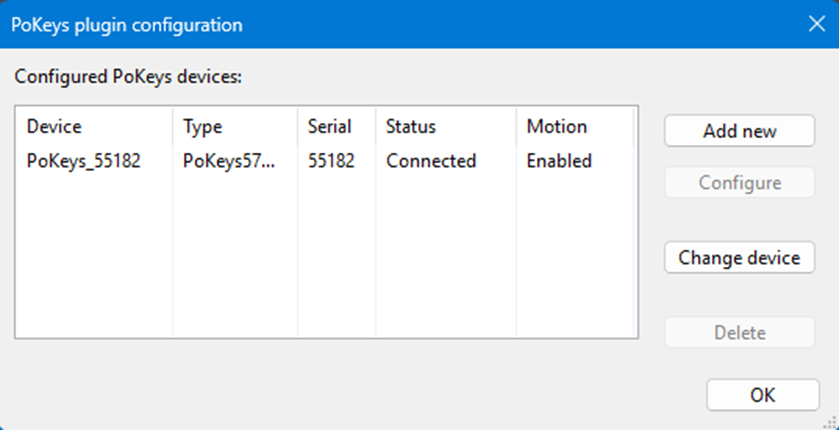
pokeys. This can be accessed again under configure>plugins>PoKeys plugin – PoLabs
|
|
|
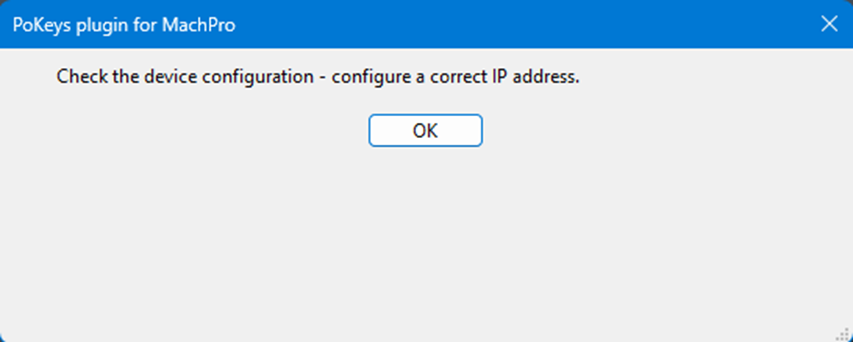
BeforeIf the restartPokeys Plugin sees your motion controller, you may safely close this popupwindow willif stillit becomes there.up. May still be there after the restart. Simply closed both times and still seem connected. |
|

|
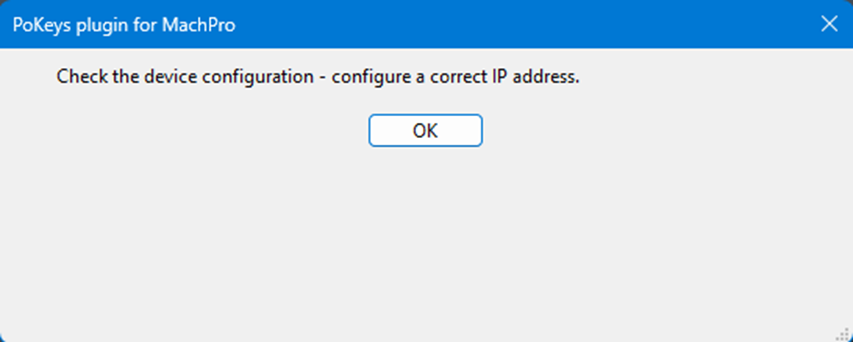
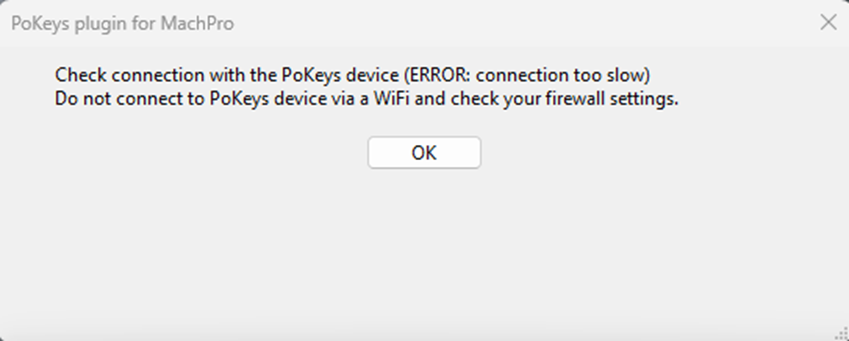
If there is a connection issue Ithis assume thiswindow will beopen. Follow the popup.PoKeys Currentlytroubleshooting thisdocumentation isfor goingyour intomotion controller. If you continue to have problems please open a hubticket beforewith comingPoLabs thrusupport.
USB
C for my computer.
|
|
|
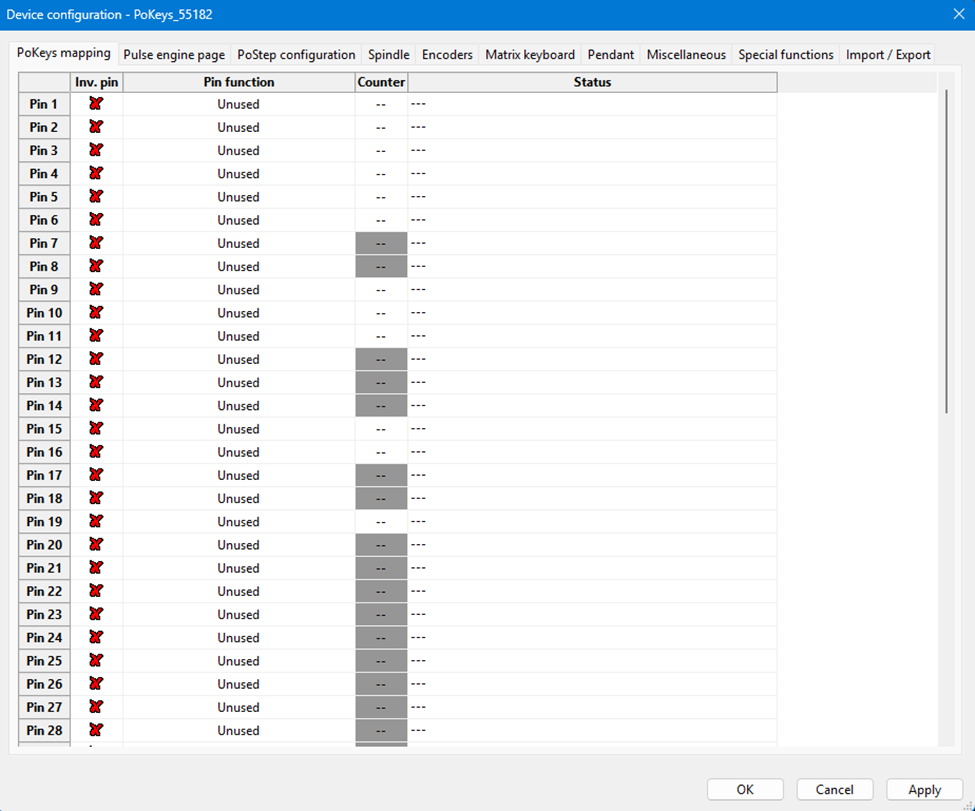
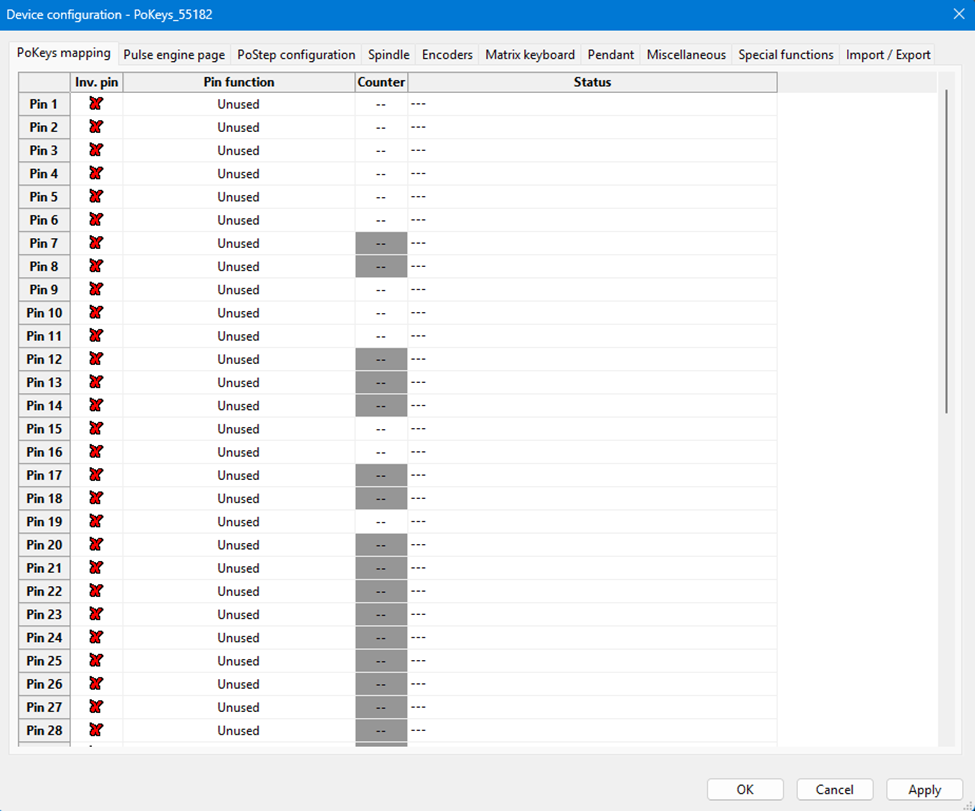
PoKeys mapping
|
|
|
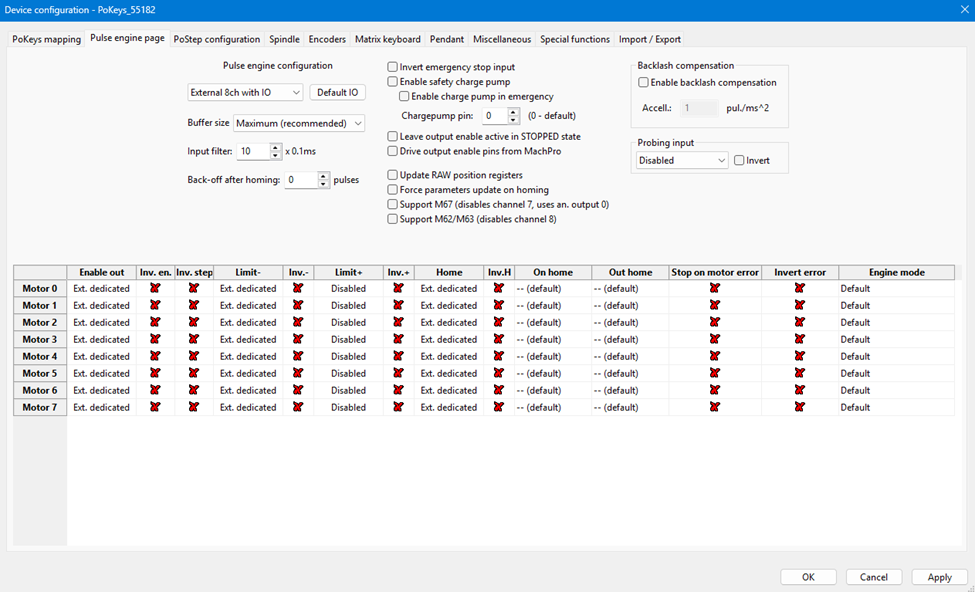
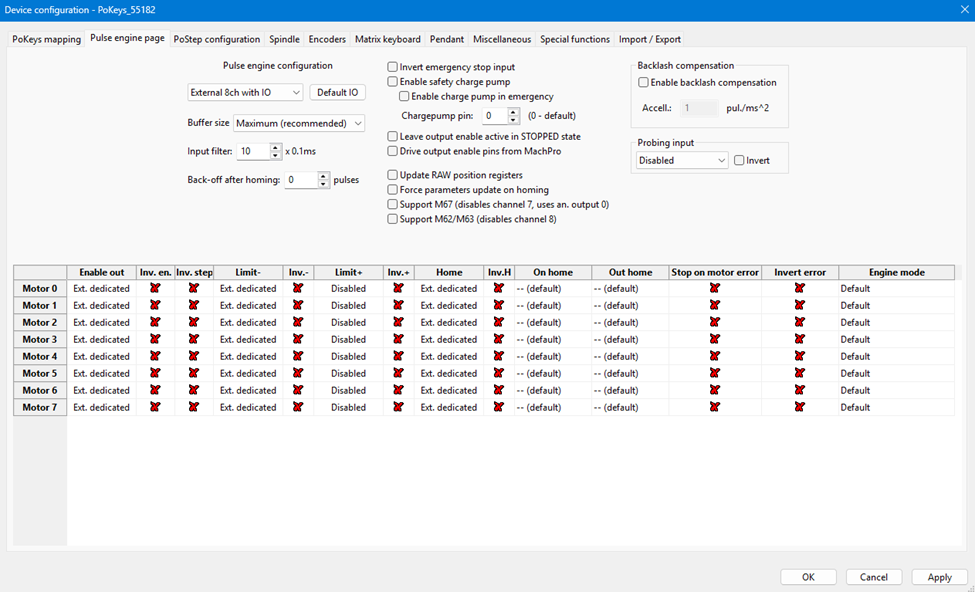
Pulse engine page
|
|
|
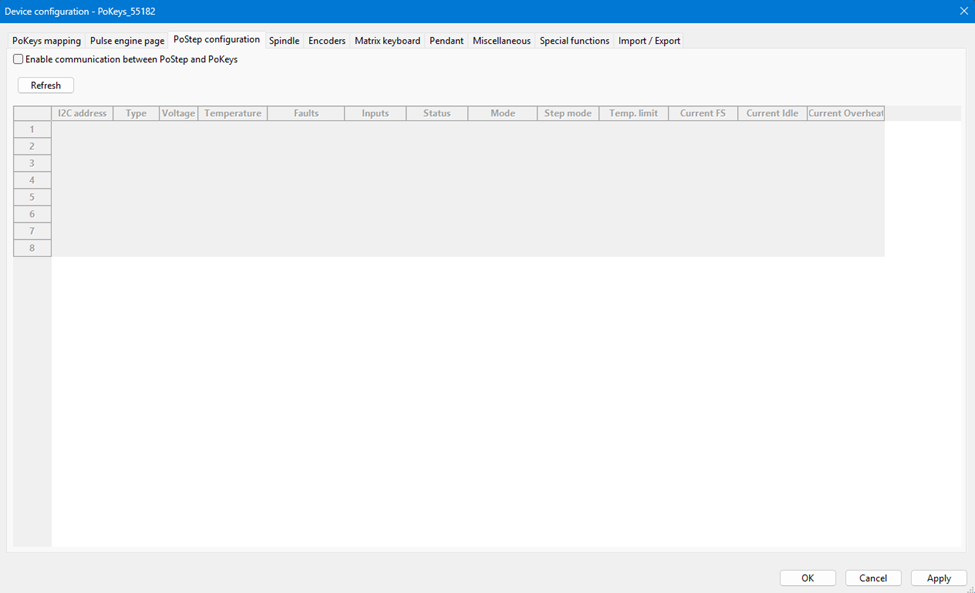
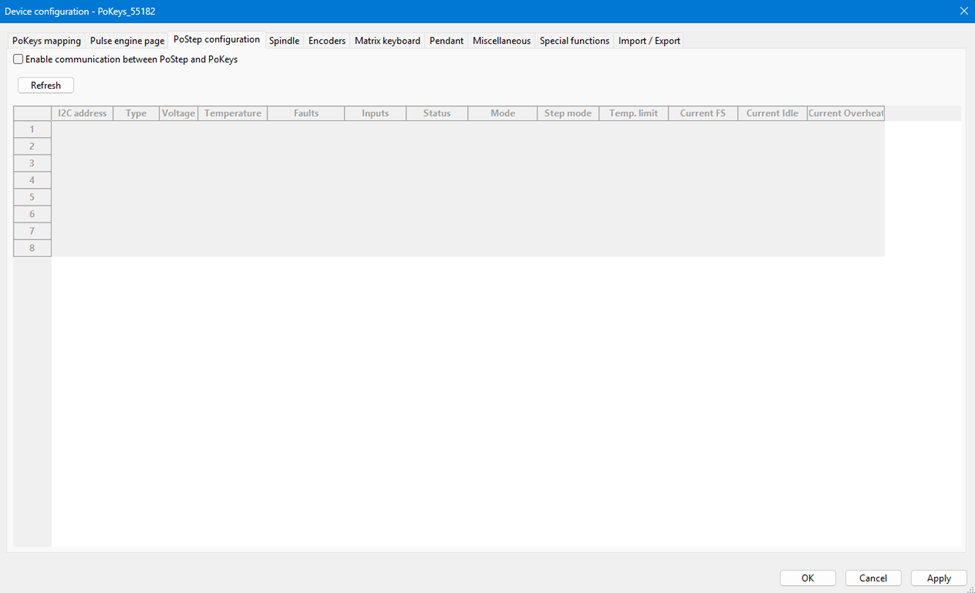
PoStep configuration
|
|
|
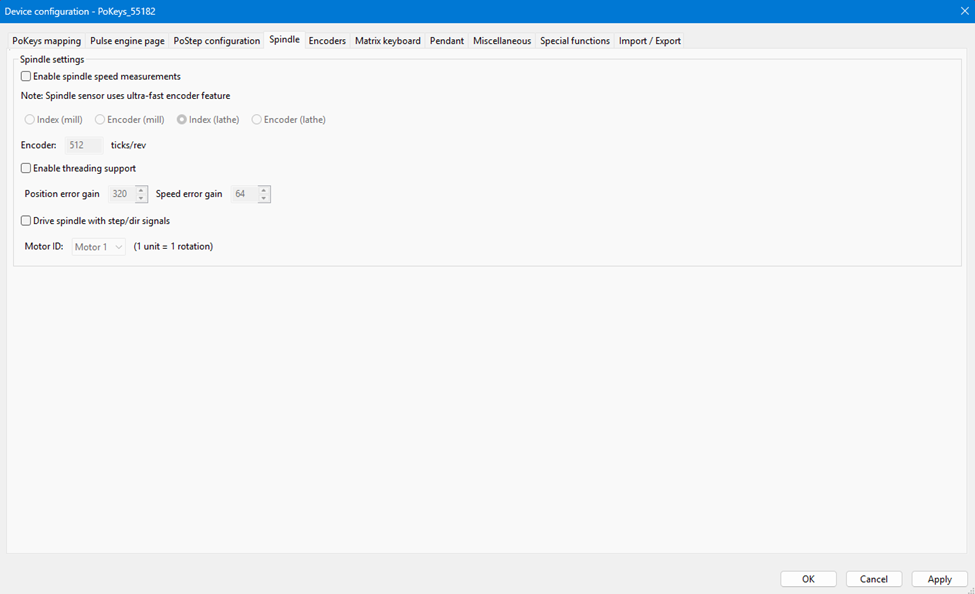
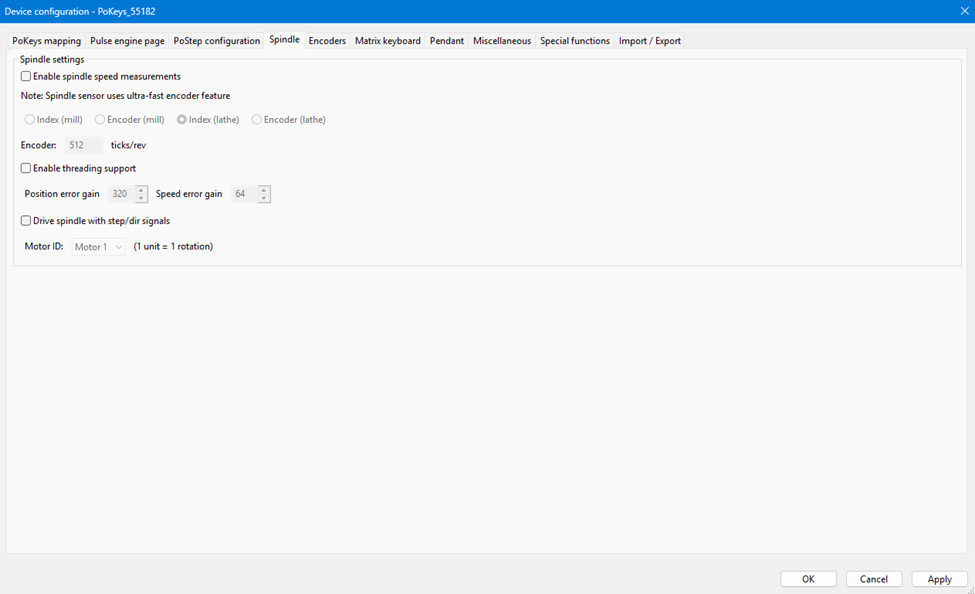
Spindle
|
|
|
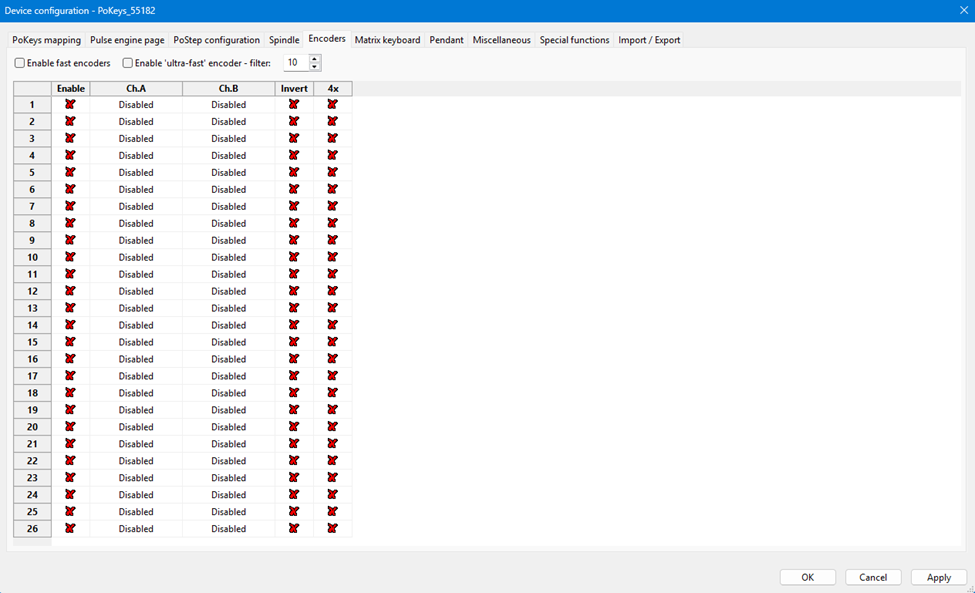
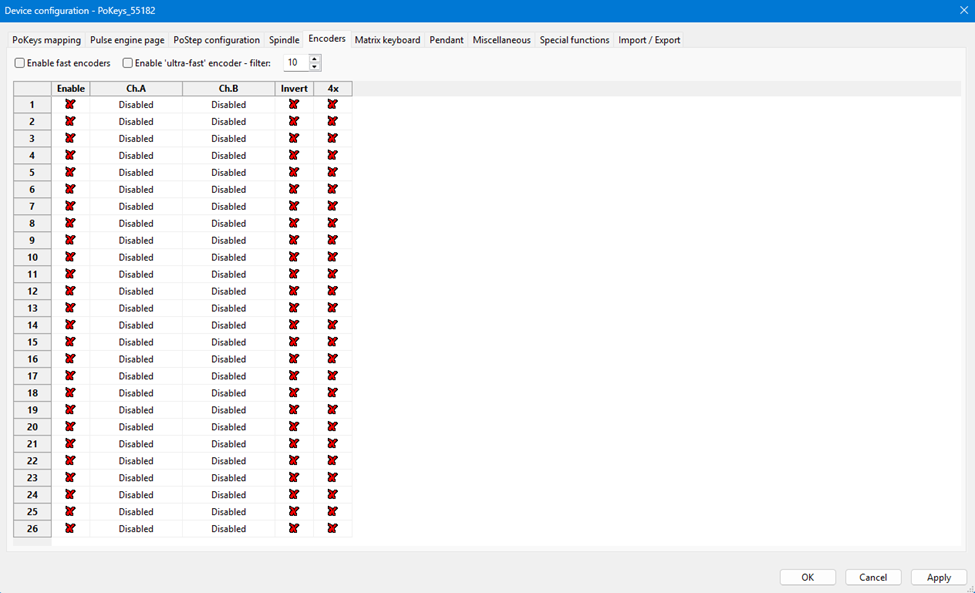
Encoders
|
|
|
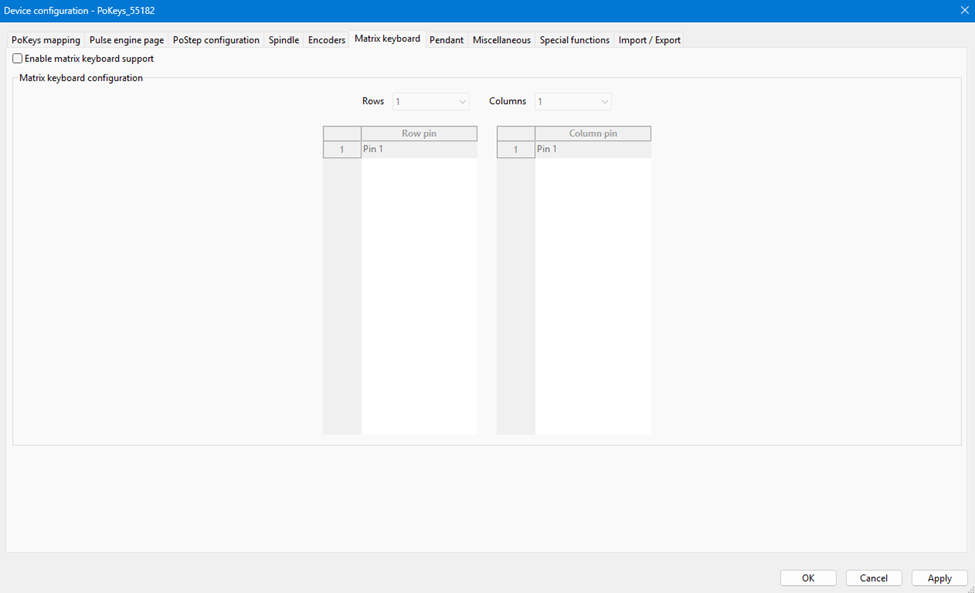
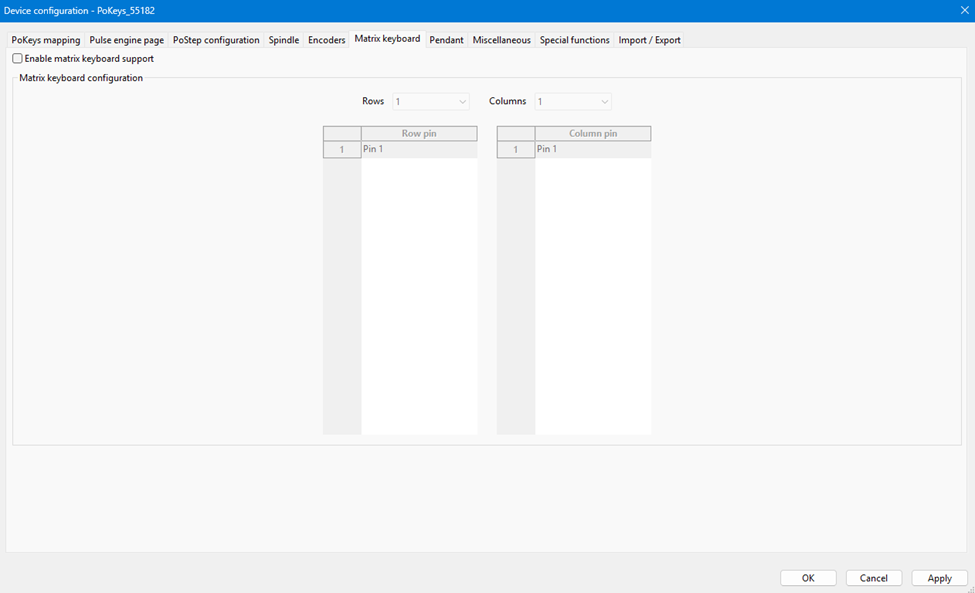
Matrix keyboard
|
|
|
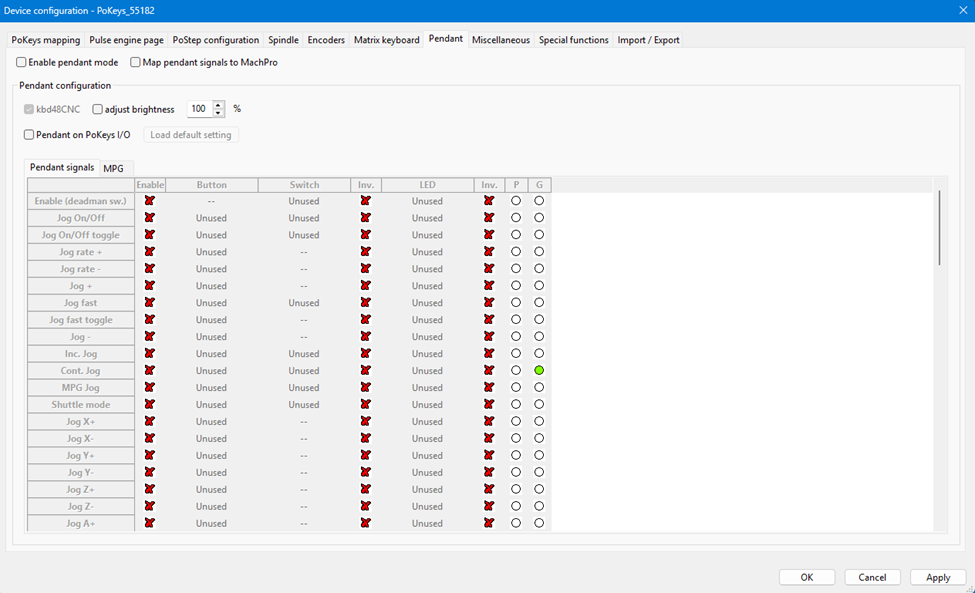
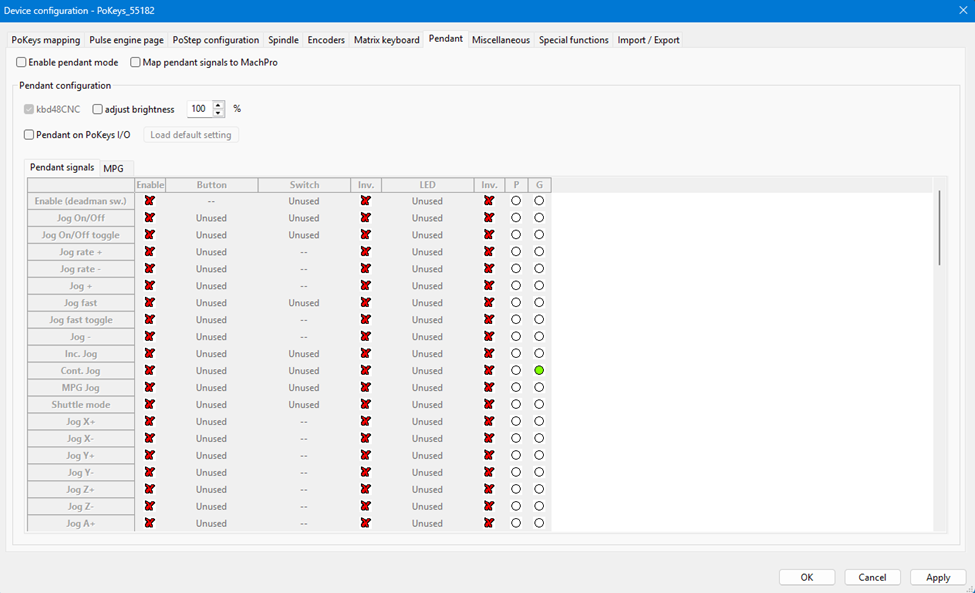
Pendant
|
|
|
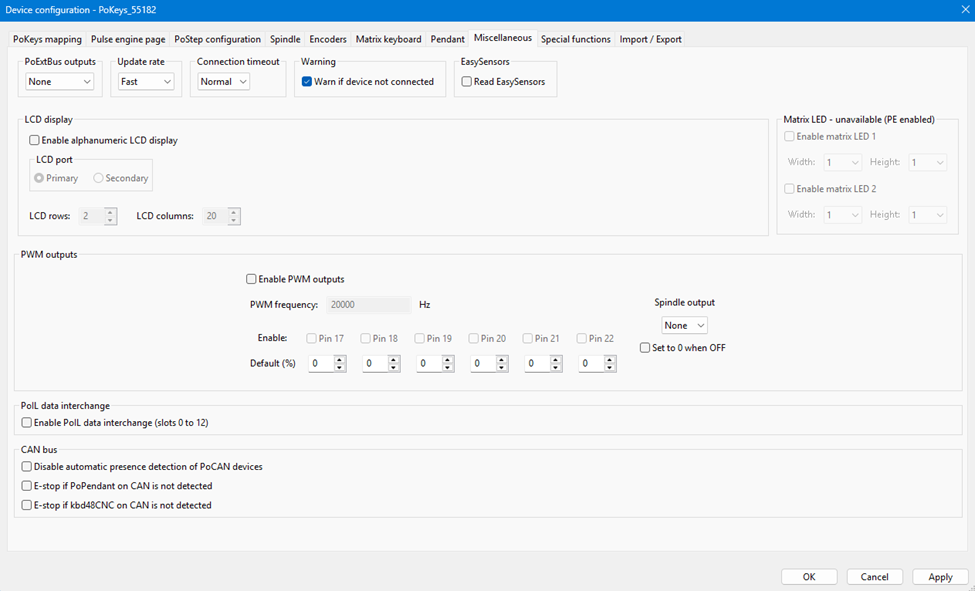
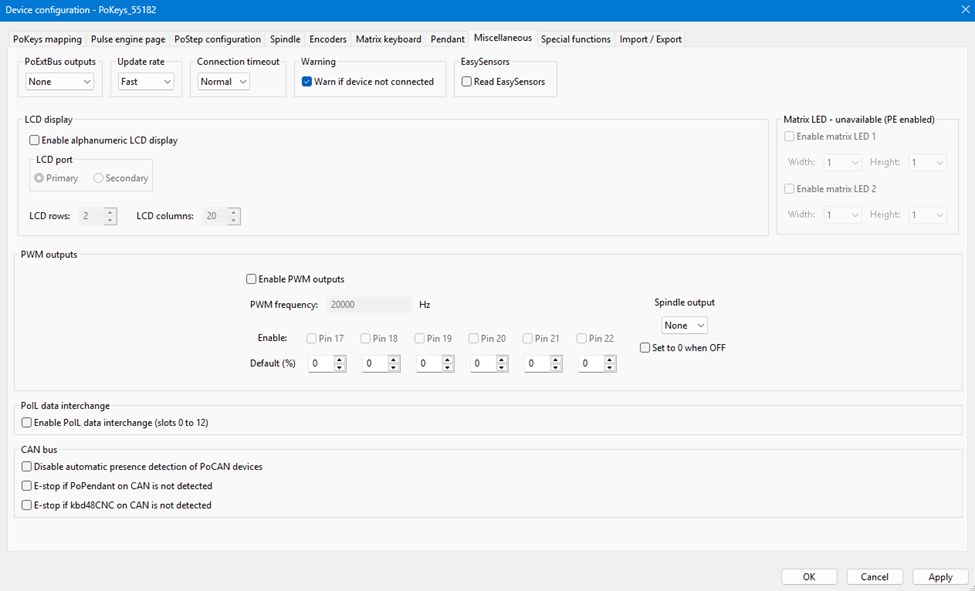
Miscellaneous
|
|
|
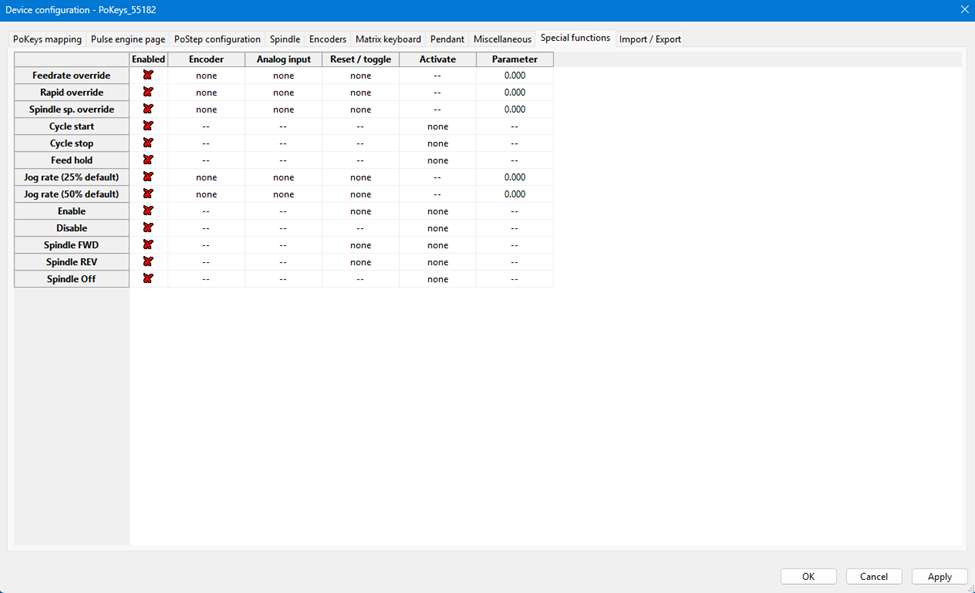
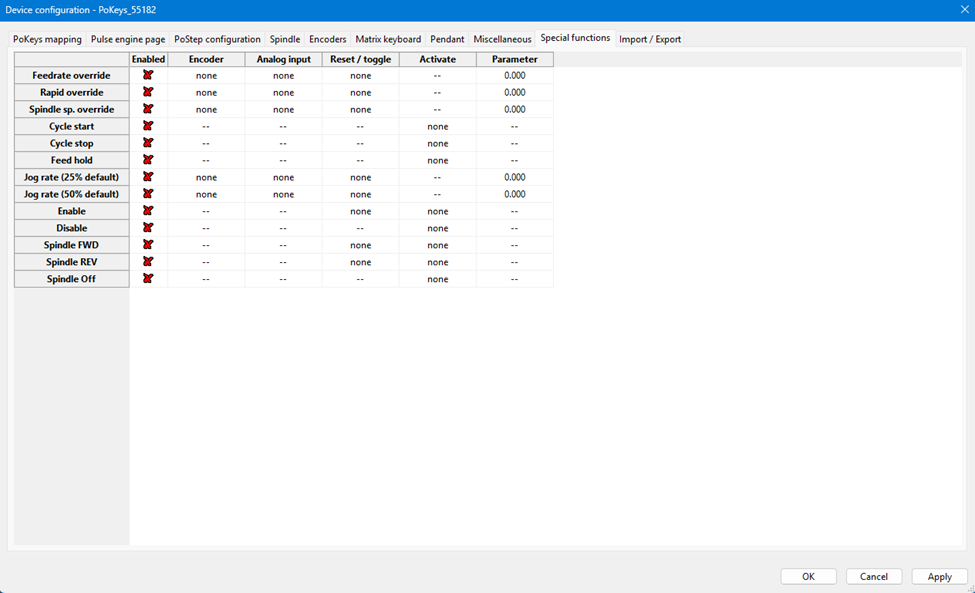
Special functions
|
|
|
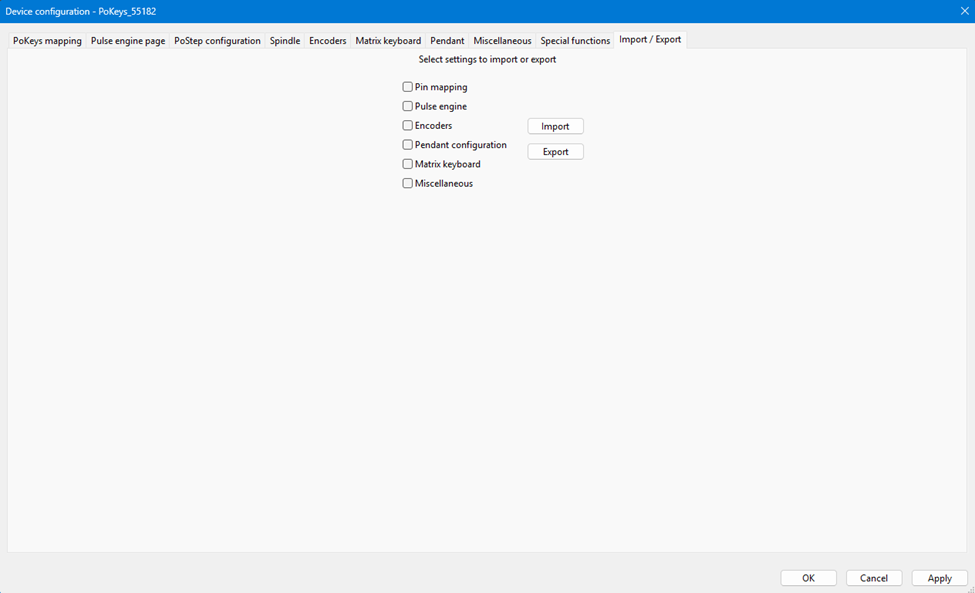
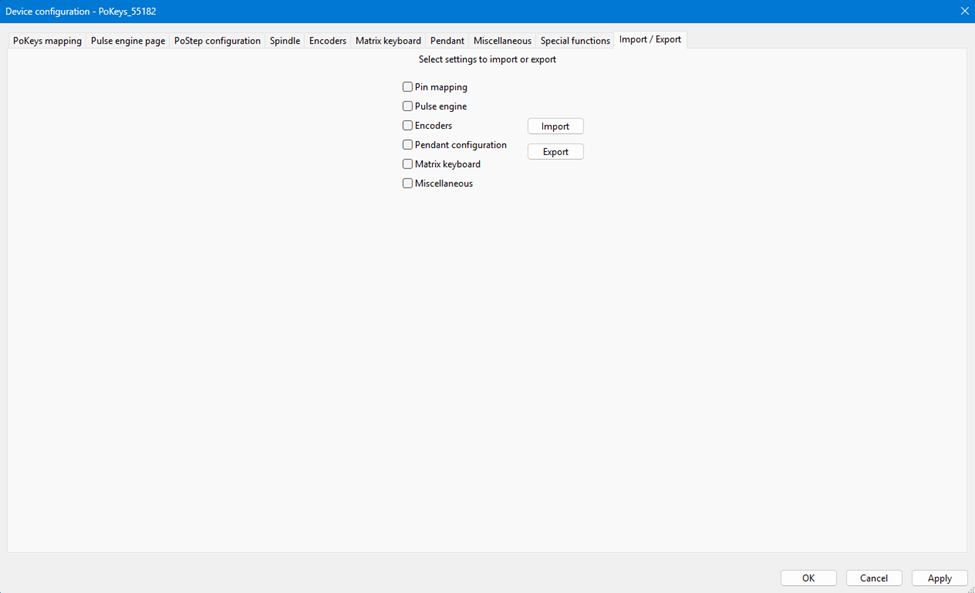
Import/Export
|
|
|
|
|
|
|
|
|