PRIVATE PoLabs Motion Controllers
|
|
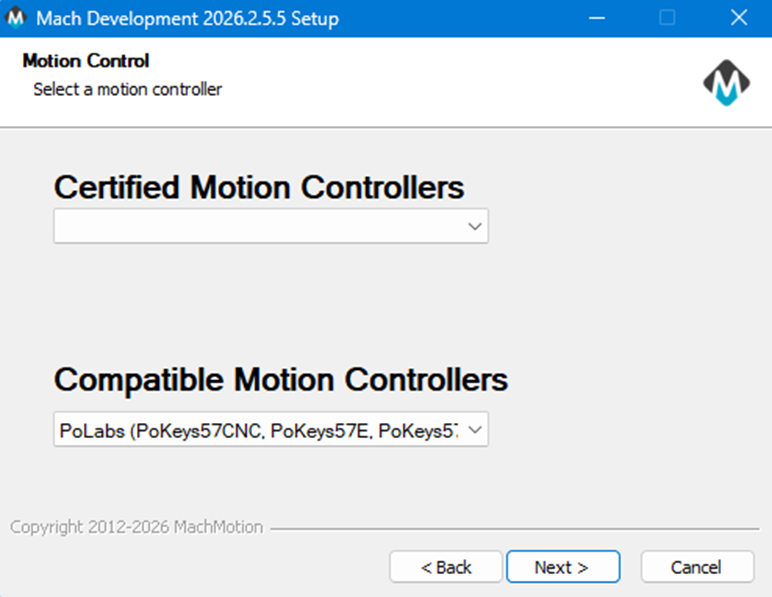
Choosing Pokeys controller in the installer setup |
|
|
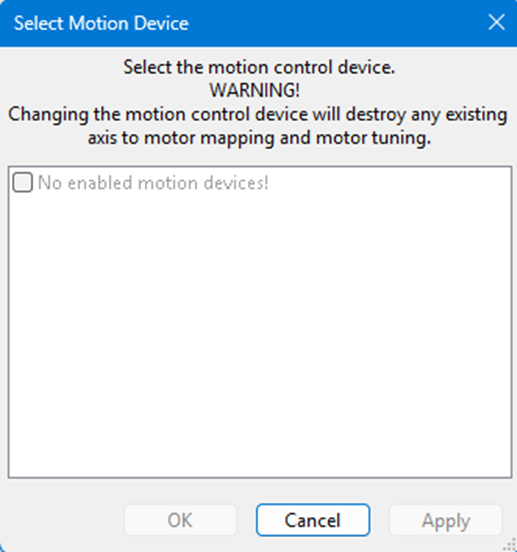
Popup for selecting the motion controller. According to the pokeys plugin click cancel before the rest of mach will launch. |
|
|
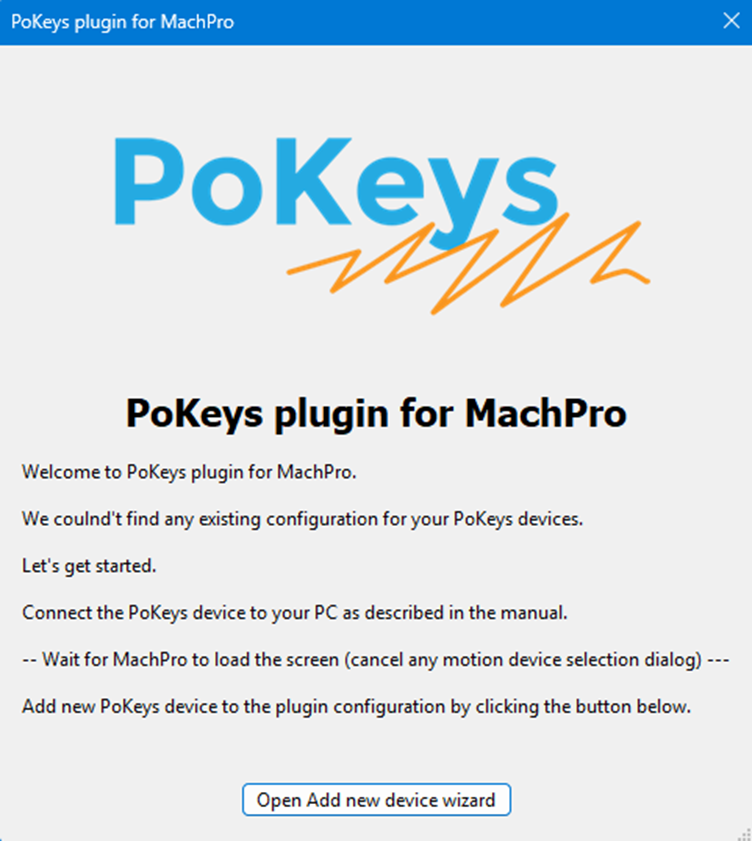
Pokeys plugin configurator on install. After mach finishes loading click the button. |
|
|
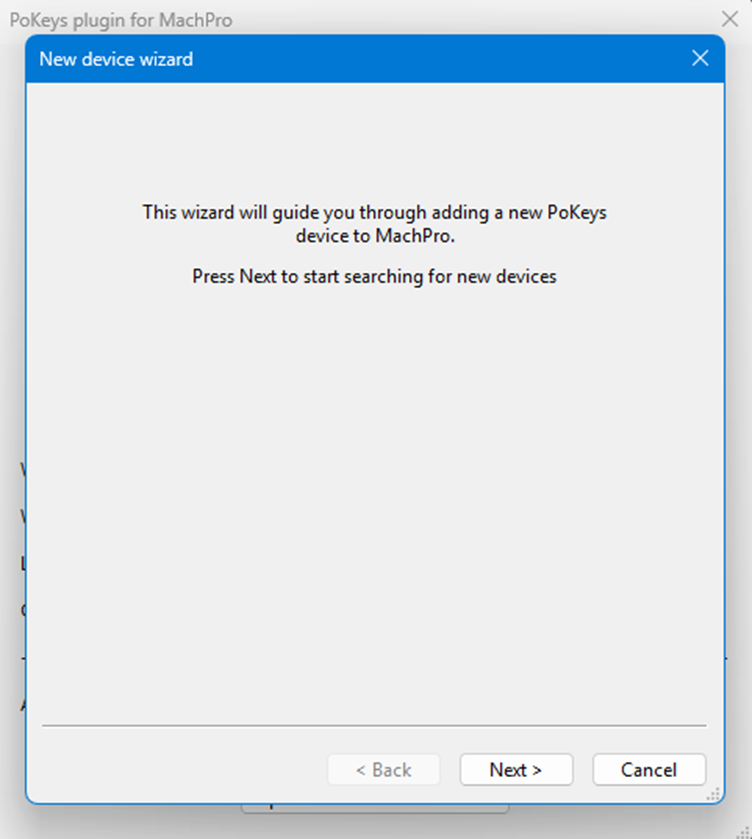
After clicking that button this screen pops up. It will say its searching for a new device. |
|
|
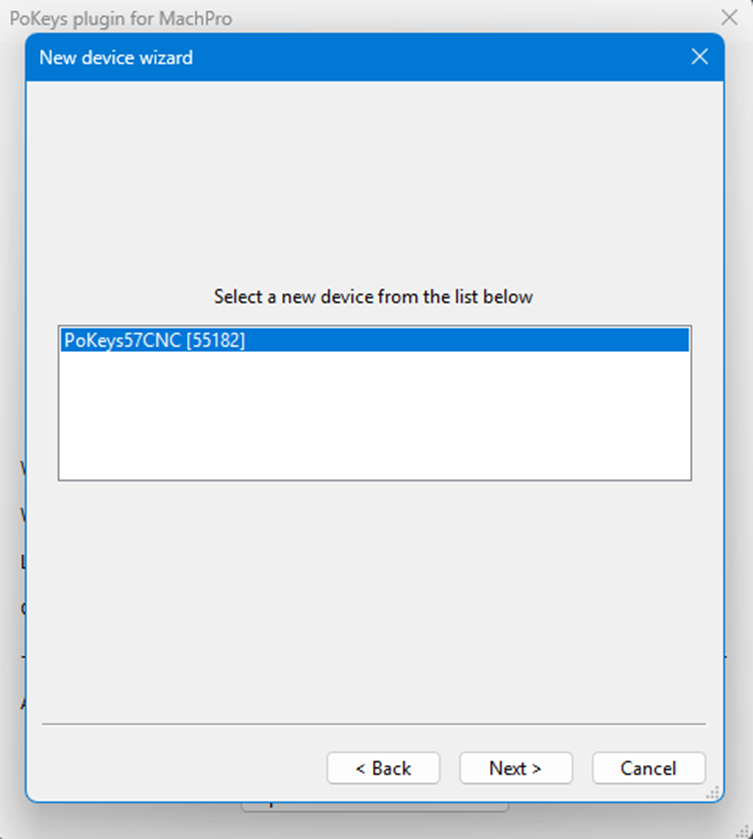
Found this device on the search. |
|
|
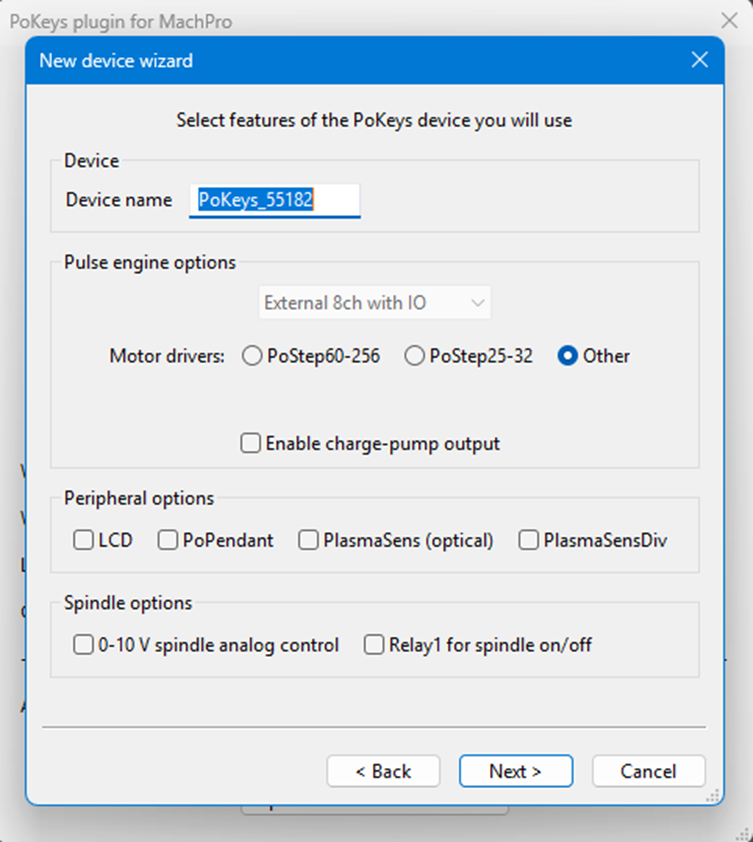
Next screen of options. |
|
|
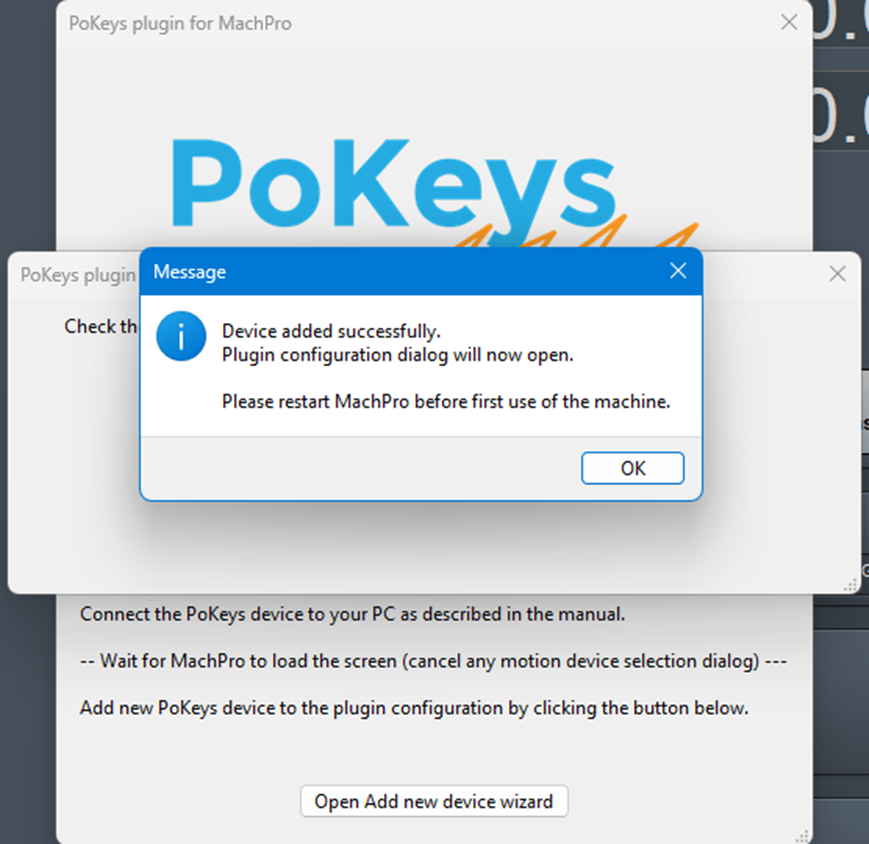
Asks to restart mach after finishing. |
|
finish machpro install? then do the following? |
|
|
|
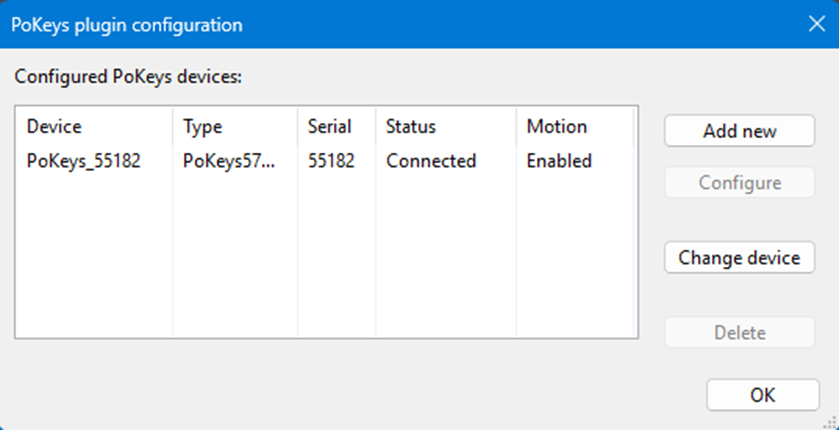
Here it displays the devices and allows opening to change different features on the pokeys. This can be accessed again under configure>plugins>PoKeys plugin – PoLabs |
|
|
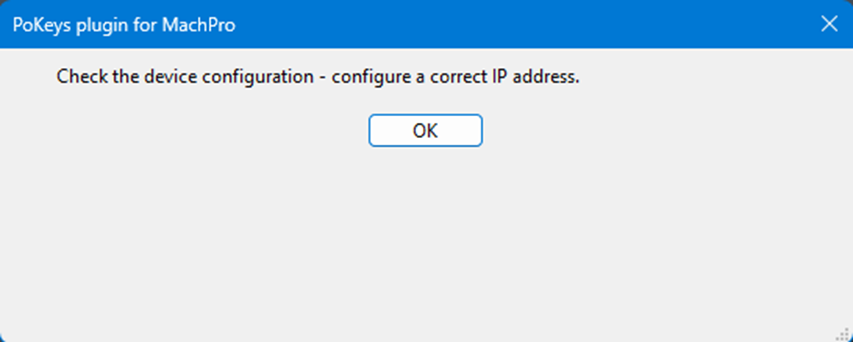
Before the restart this popup will still be there. May still be there after the restart. Simply closed both times and still seem connected. |
|
|
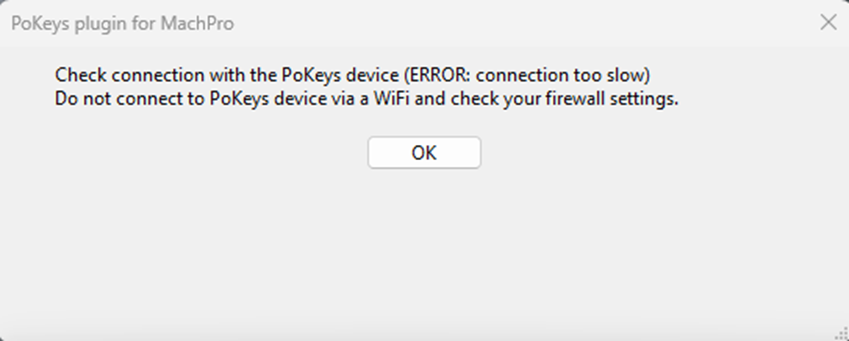
If there is a connection issue I assume this will be the popup. Currently this is going into a hub before coming thru USB C for my computer. |
|
|
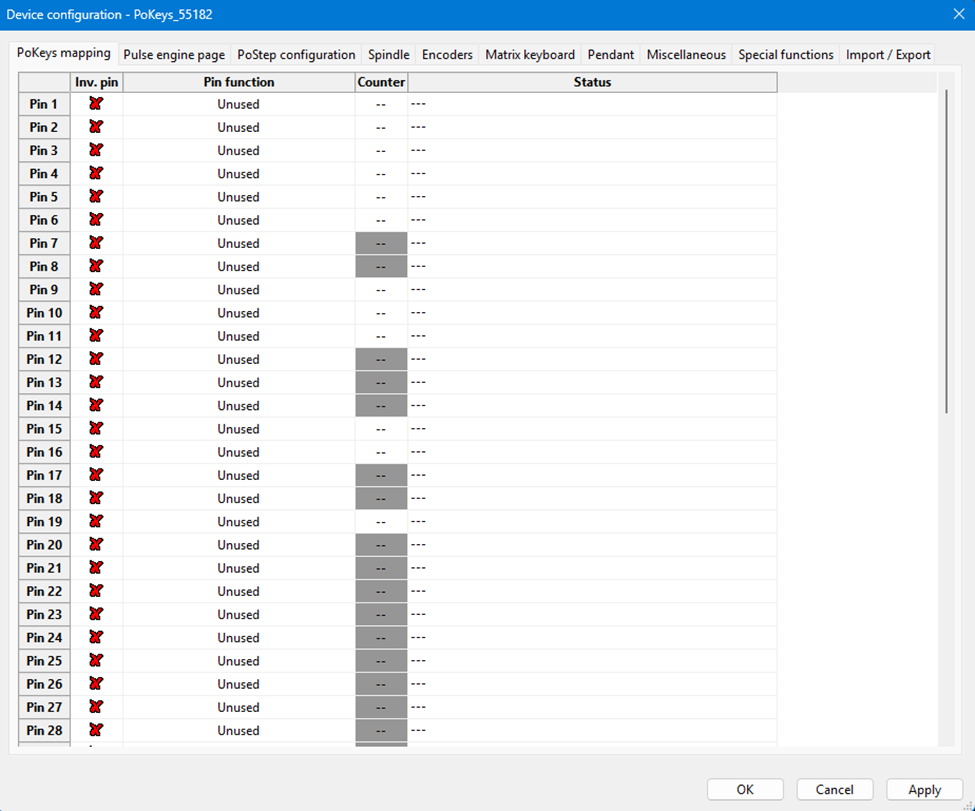
PoKeys mapping |
|
|
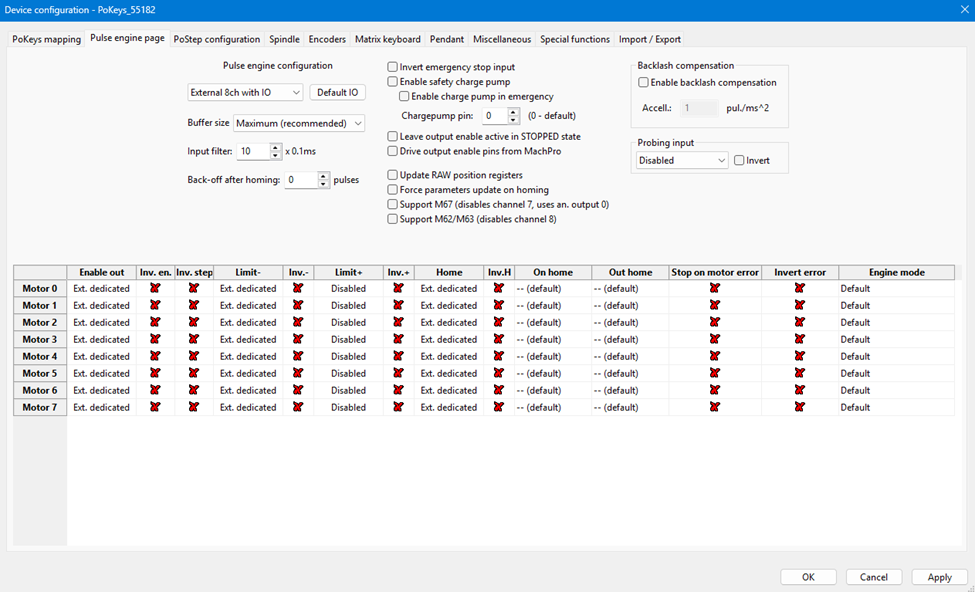
Pulse engine page |
|
|
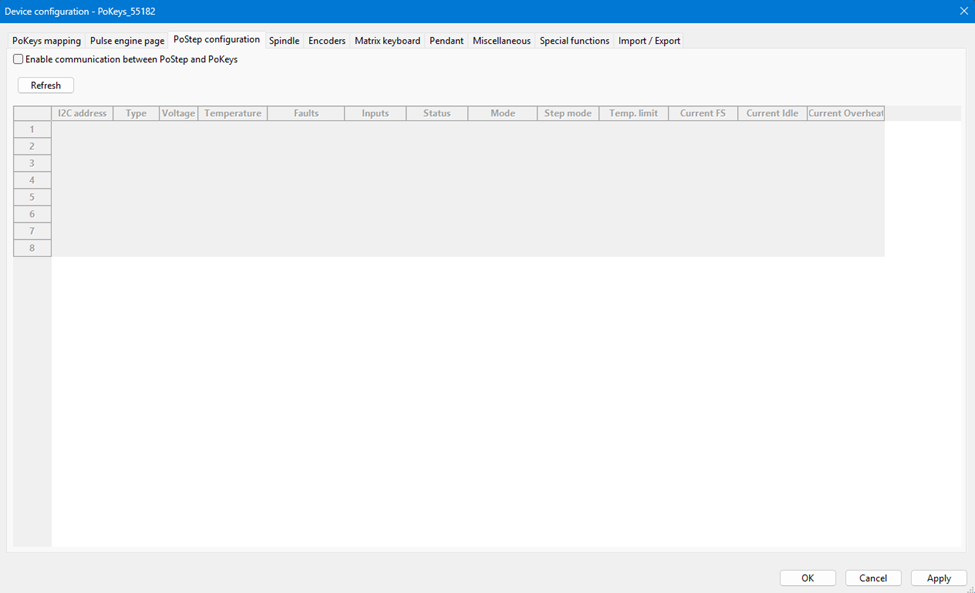
PoStep configuration |
|
|
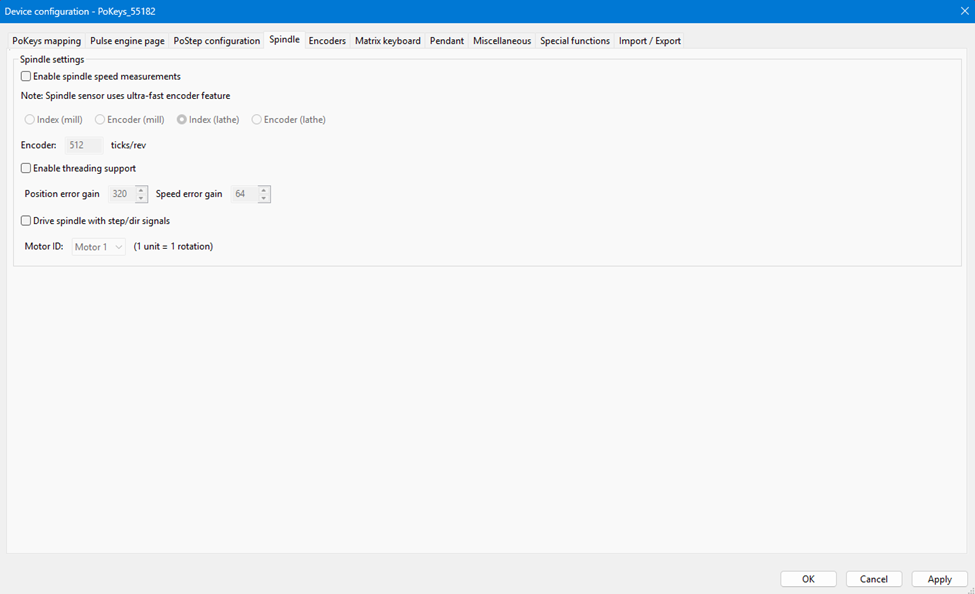
Spindle |
|
|
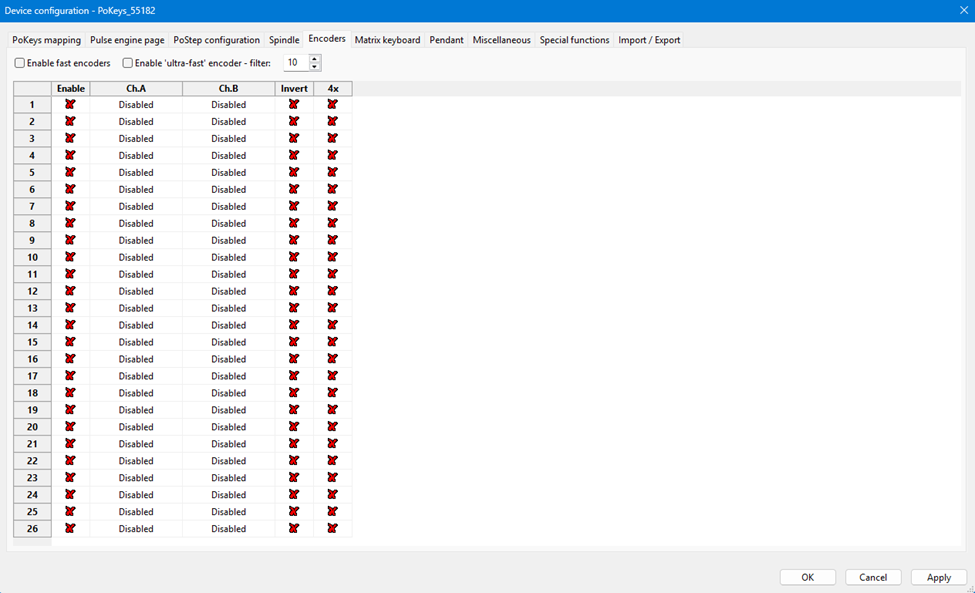
Encoders |
|
|
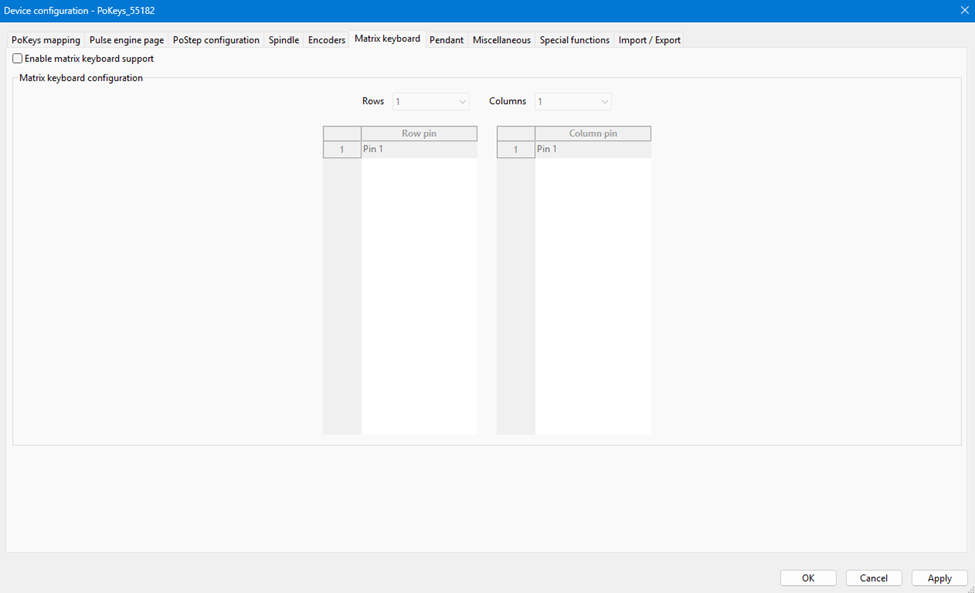
Matrix keyboard |
|
|
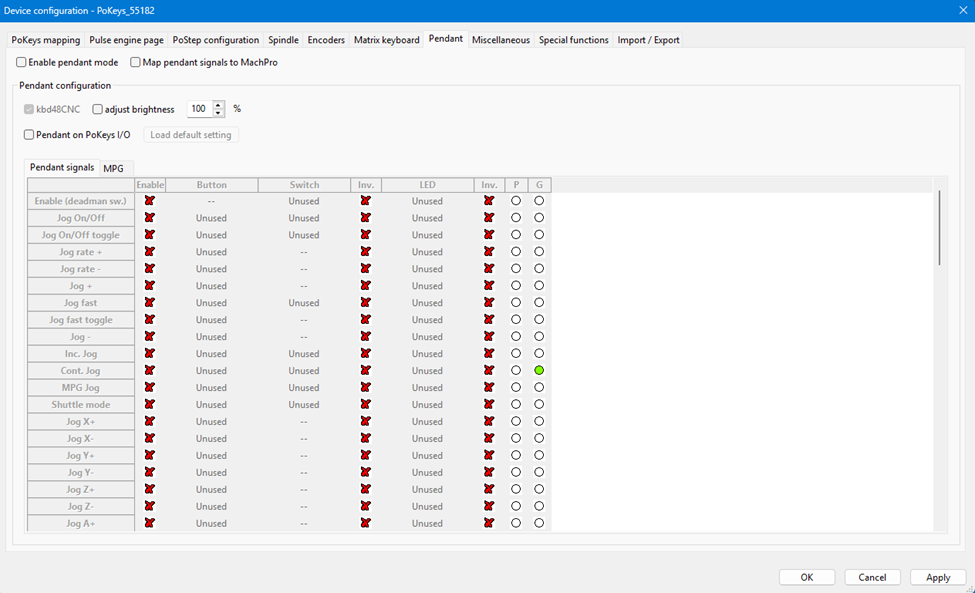
Pendant |
|
|
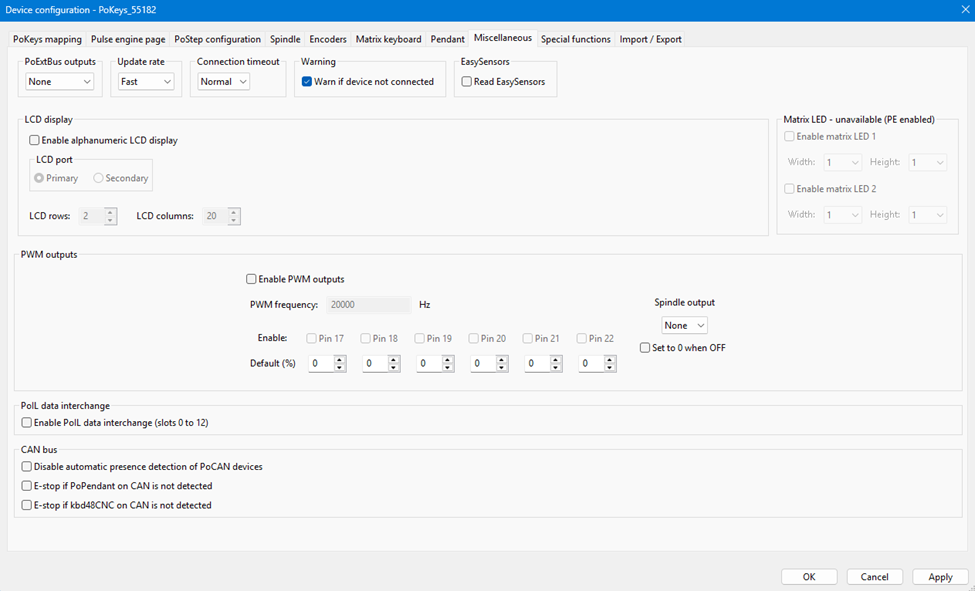
Miscellaneous |
|
|
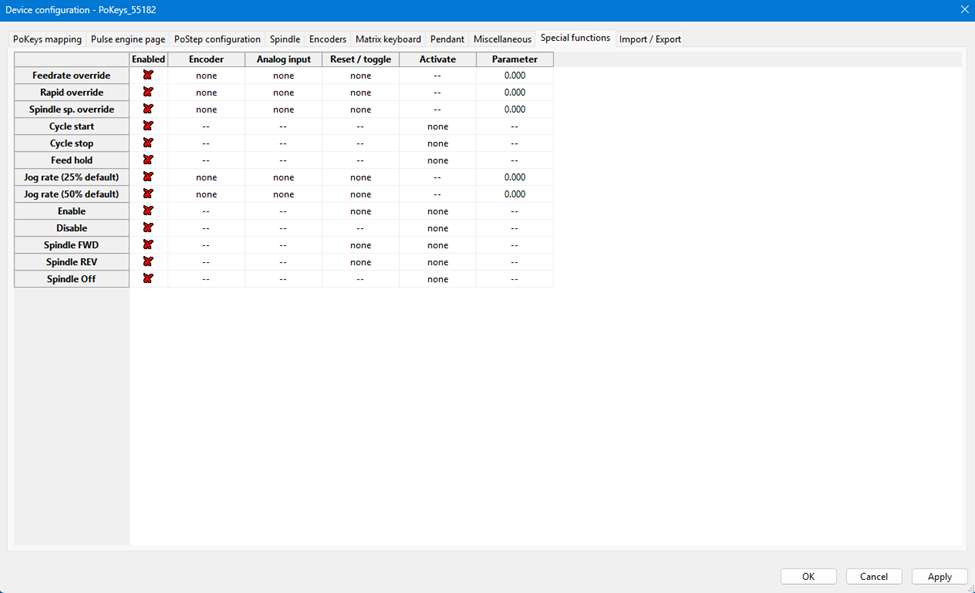
Special functions |
|
|
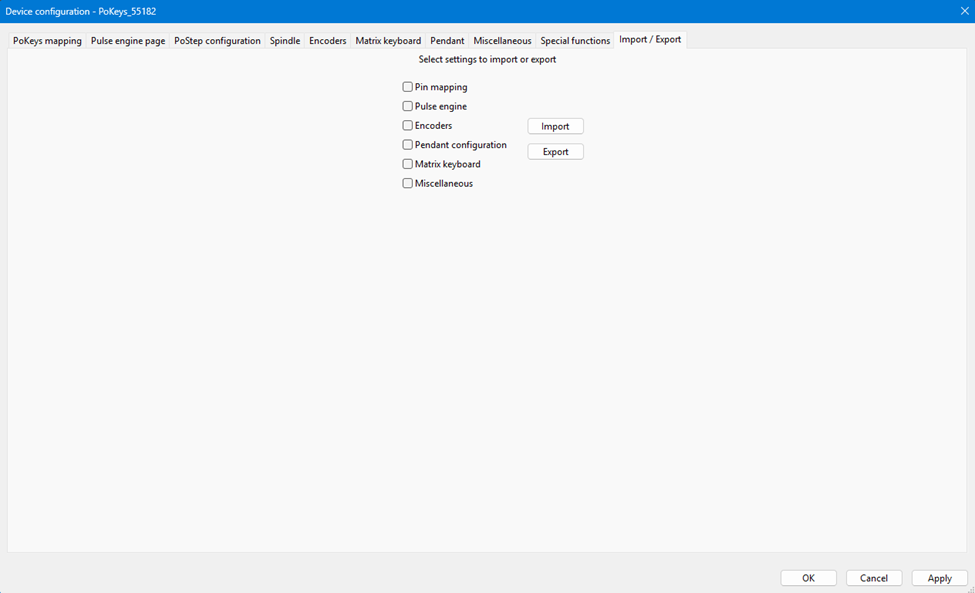
Import/Export |