
PRIVATE ESS Motion Controllers

|
|
|
|
|
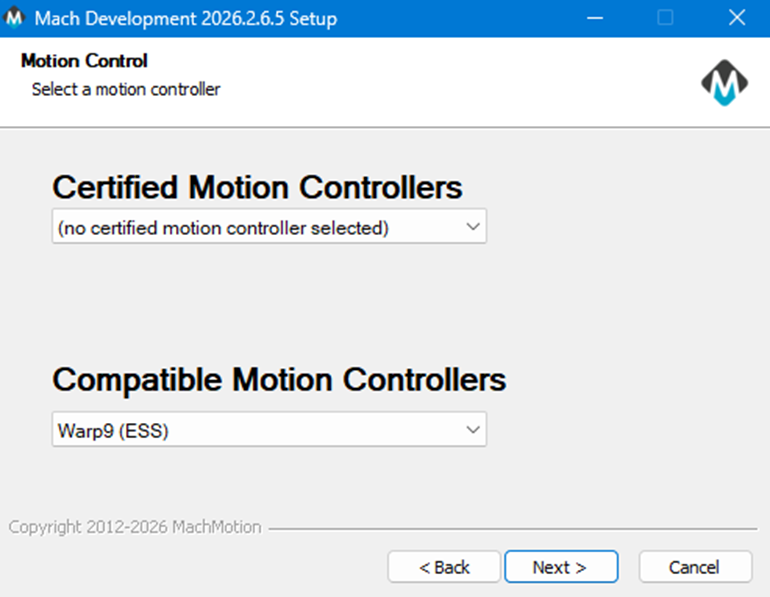
On the ESS motion controller selected install this is the first popup. It did not open on top of mach so waited for it before looking to find it behind the mach window. |
|
|
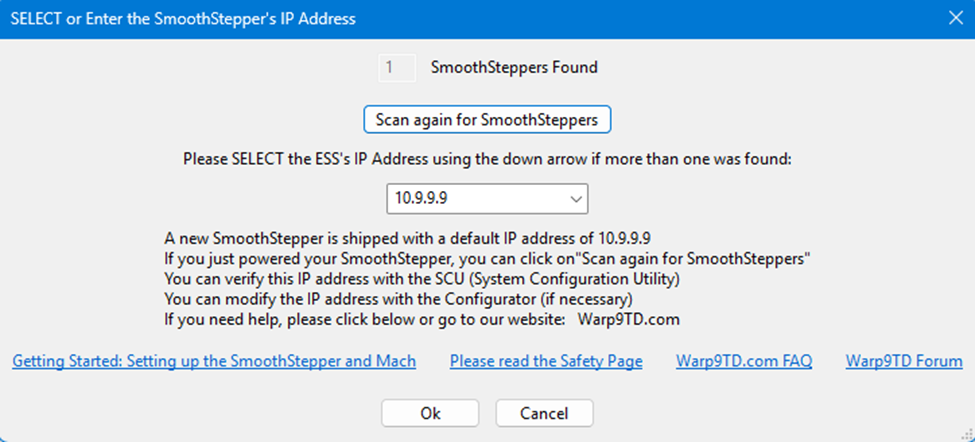
Immediate next popup |
|
|
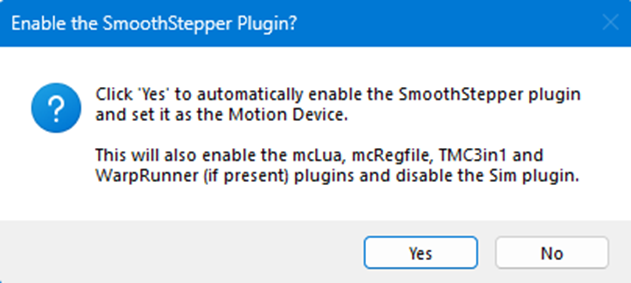
After clicking yes on the previous this confirmation shows |
|
|
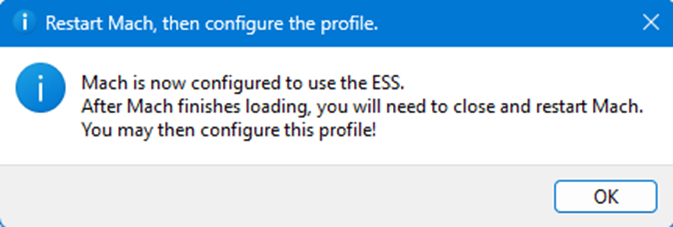
This error screen appeared before restart. |
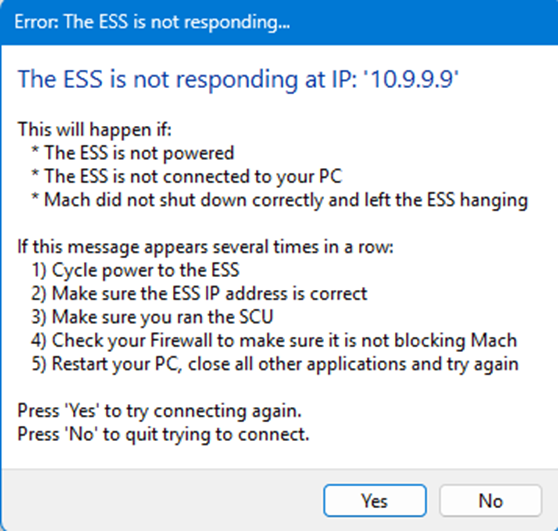
In order to connect fully, which means the above popup would be gone, had to download the SCU (System Configuration Utility) from Warp9 tech design website. Launching it lets you go through a automatic configuration setup which was easy mode or the advanced for more control in what is done. Besides that the IP address for the network port on the computer had to be set to 10.9.9.10 and as a static address. Then after trying still unable to connect, went and opened ports in the firewall found in their documentation at https://documentation.warp9td.com/Software/SCU/04_FAQ.htm
- UDP 9: The Discard Port (Used for initial presence detection)
- UDP 67: BOOTP (This is for when the configuration jumper is on).
- UDP 68: BOOTP (This is for when the configuration jumper is on).
- UDP 69: TFTP.
- UDP 4096: Normal runtime communications.
- UDP 4097: Normal runtime communications with multiple ESSs
- UDP 5020: Normal runtime communications.
- UDP 5021: Normal runtime communications.
- UDP 5022: Normal runtime communications with multiple ESSs.
- UDP 5023: Normal runtime communications with multiple ESSs.
Upon doing this it finally connected.
To note the SCU does mention when it is configurating the pc that it is best for it to be a dedicated cnc control pc for setting up. It will affect network ports, firewalls, graphic settings, security, etc. Which on a personal pc it will interfere with other operations.
| http://www.mach-labs.com | MachLabs Documentation | support@mach-labs.com |
The MachLabs Team
14518 County Road 7240, Newburg, MO 65550
support@mach-labs.com