
Hiding an Axis DRO in Mach
Activate your UseGUIModule by renaming it if it's not already there
C:\Mach4\Profiles\Mill\Macros\Scripts\UserGUIModule.mcs
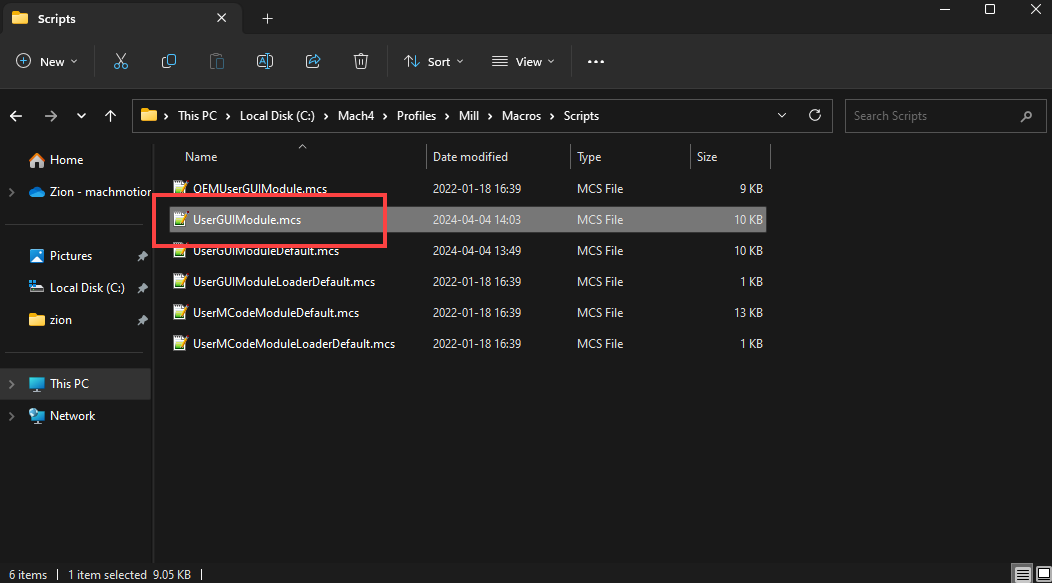
Open the UseGUIModule and make the following changes to the UserGUIModule.UserScreenLoadScript function.
From this

To this

The (mc.OB1_Axis) should be changed to the axis you want to hide. You're basically just un commenting the function and it's FunctionComplete stuff.
This manual would be a lot better if Zion didn't make it.. Sorry.