Zebra printer offset printing fix
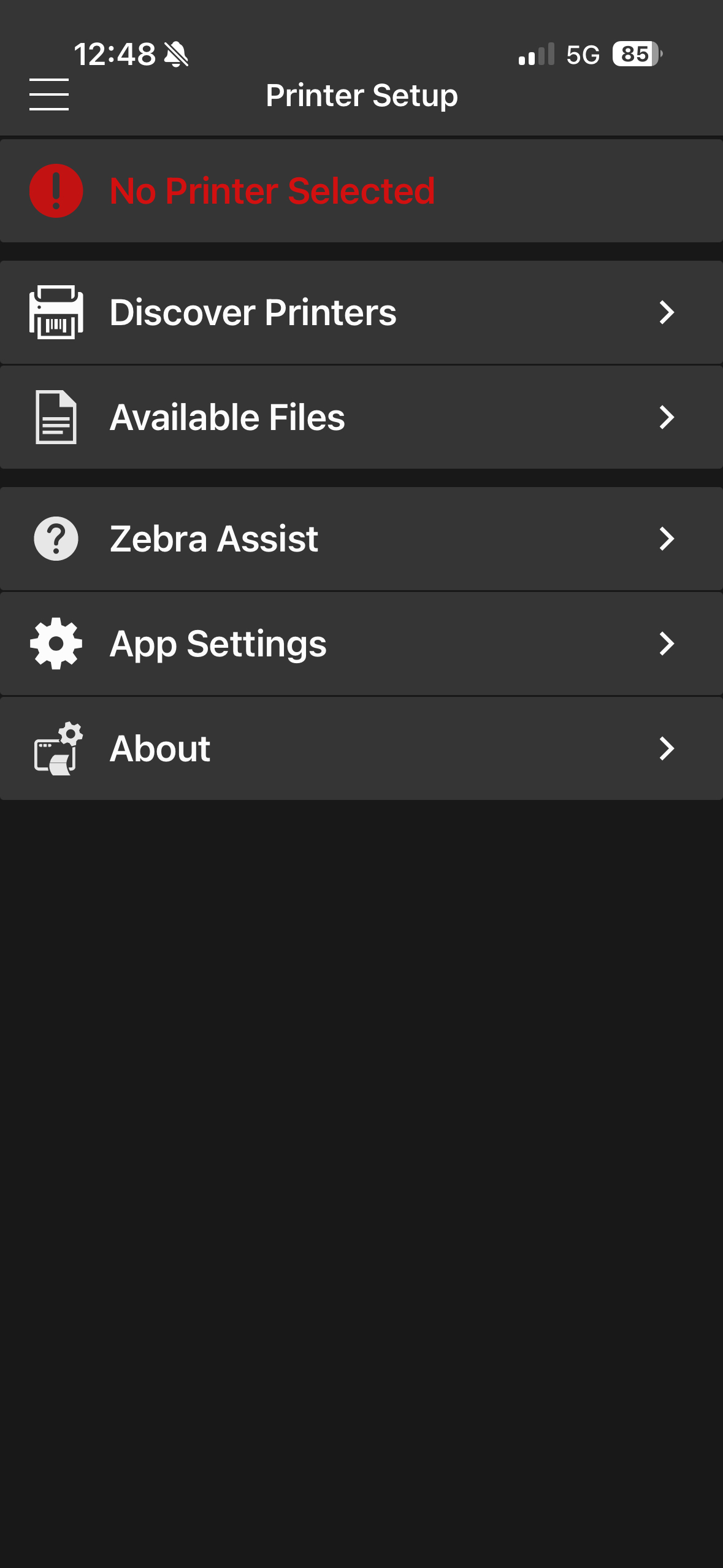
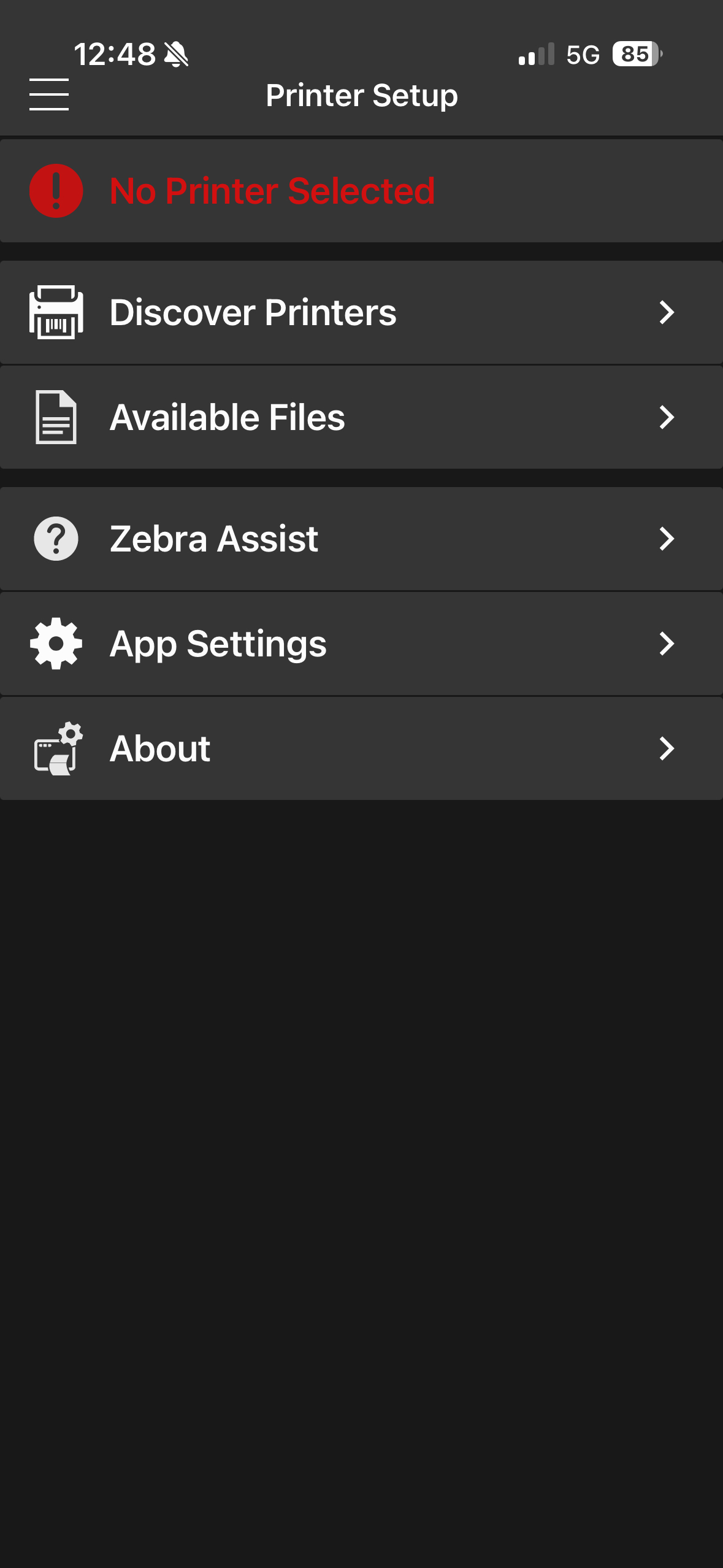
- Download the Zebra Printer Setup Utility app on your phone.
- Make sure you're connected to MachMotionUber wifi
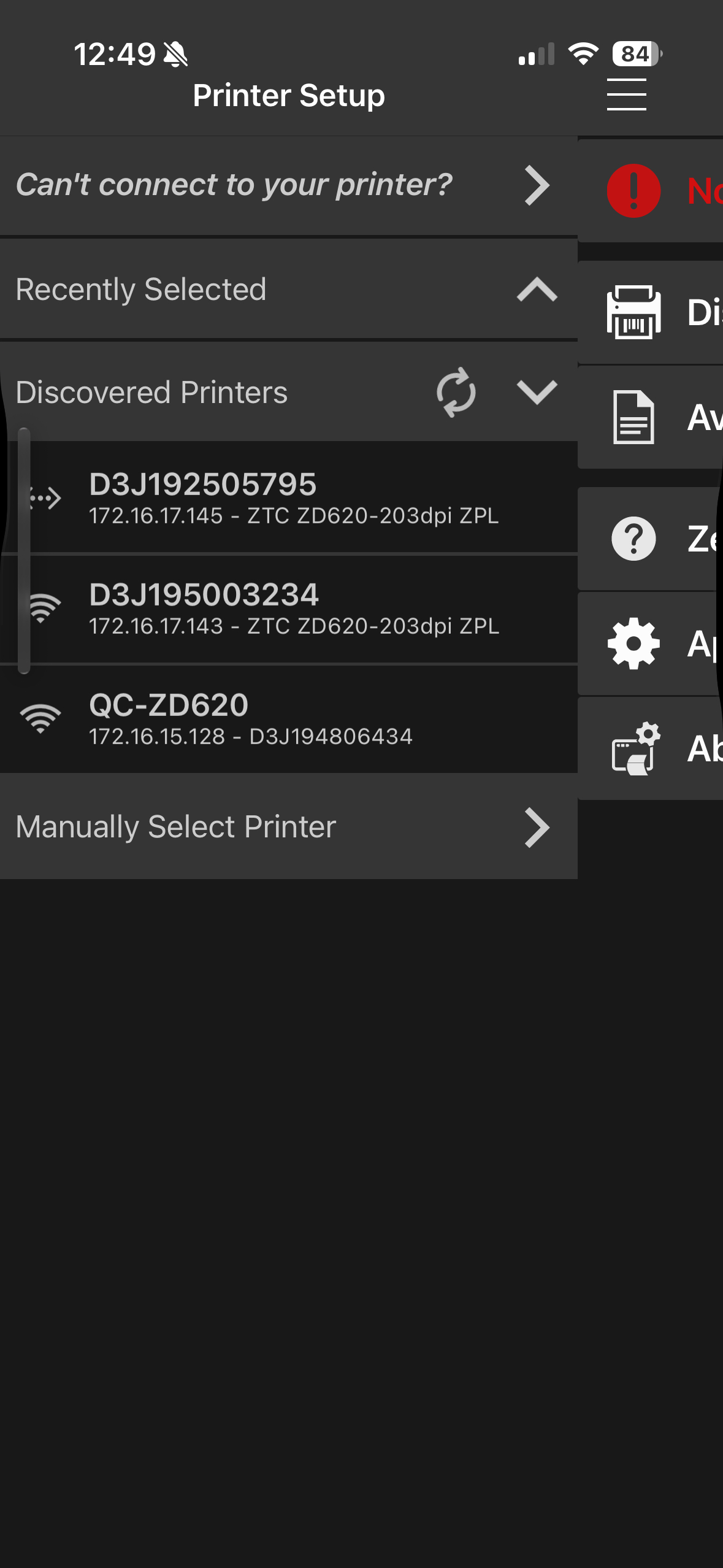
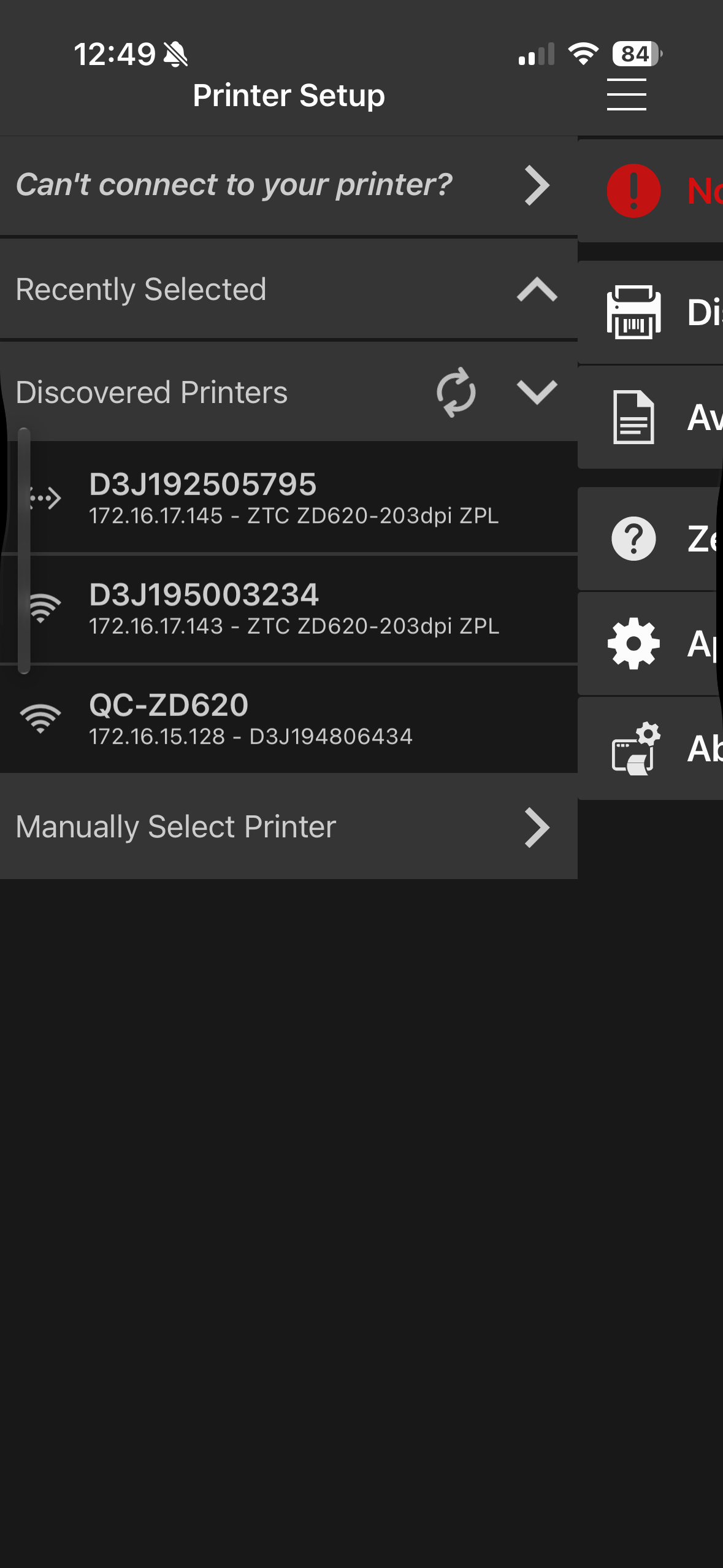
- In the app, Discover Printers
- select the printer with the issue based off of IP
- Media Settings > Media Settings > Width 2.25 > Length 1.25-1.32 > Next > Next > Apply > Print test Label