
Global Messaging-Mach4
Global Messaging Version 3
To setup Global Messaging go to Configuration=>Plugin=>MachMotion=>Global Messaging Tab.
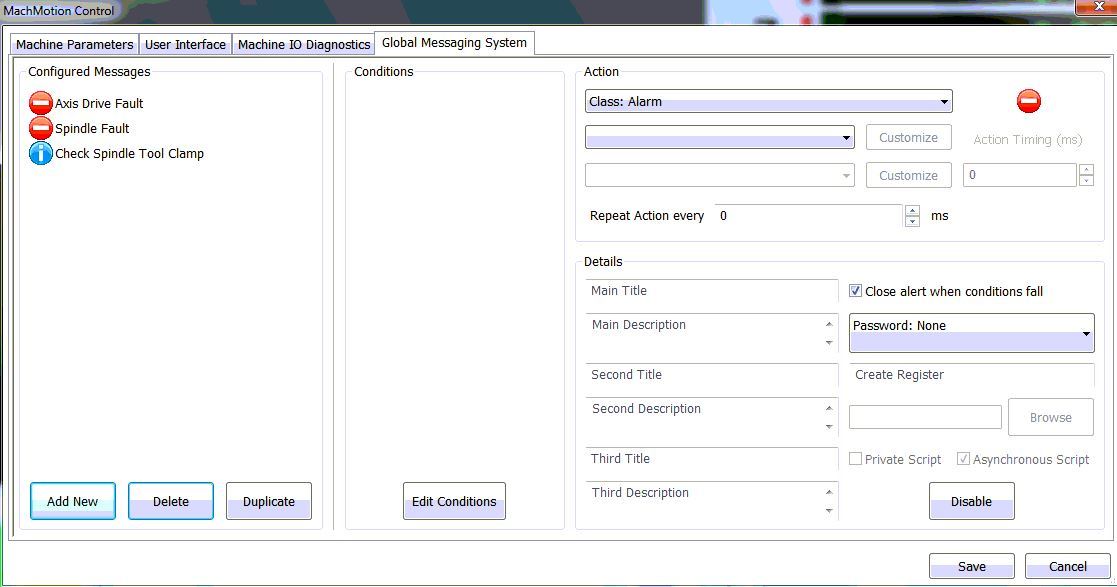
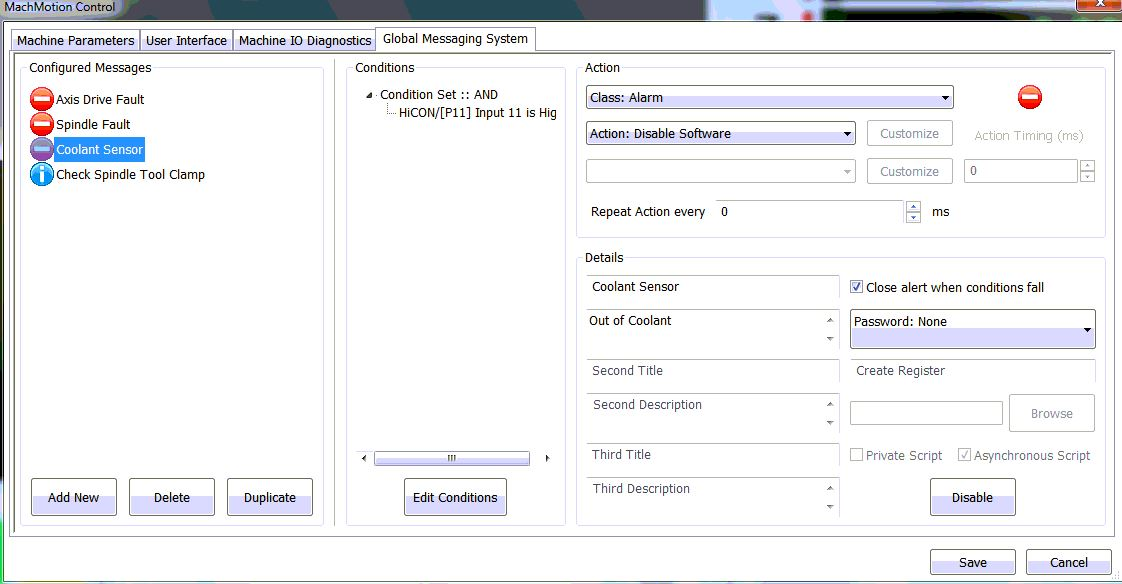
To add a new condition you can click on "Add New"
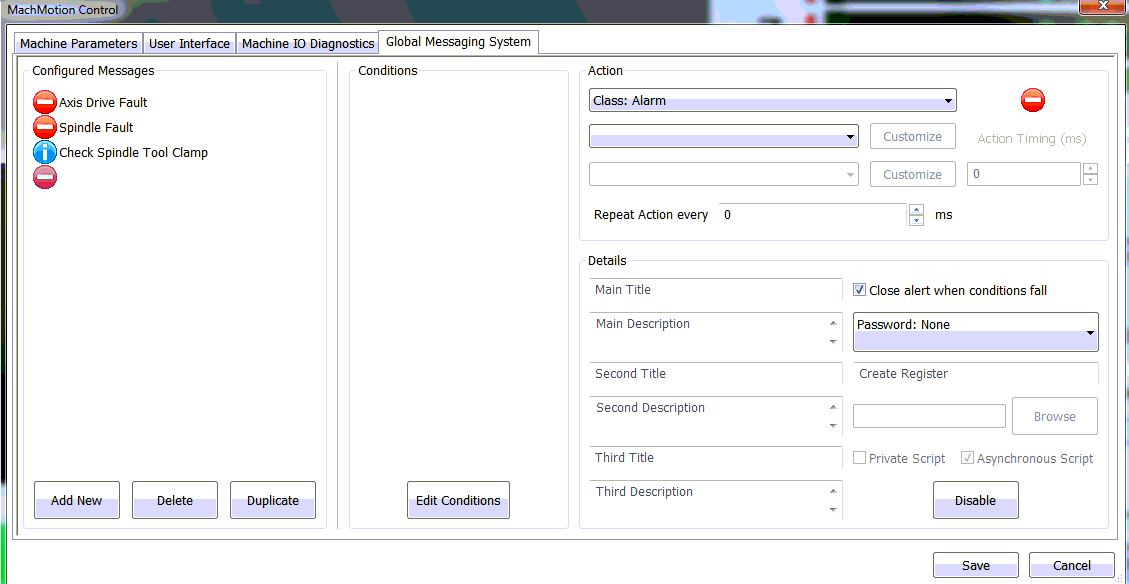
Now you can select the "Class" that you want it to perform. For example an "Alarm" will have the ability to disable the software but a "Warning" will just send an alert.
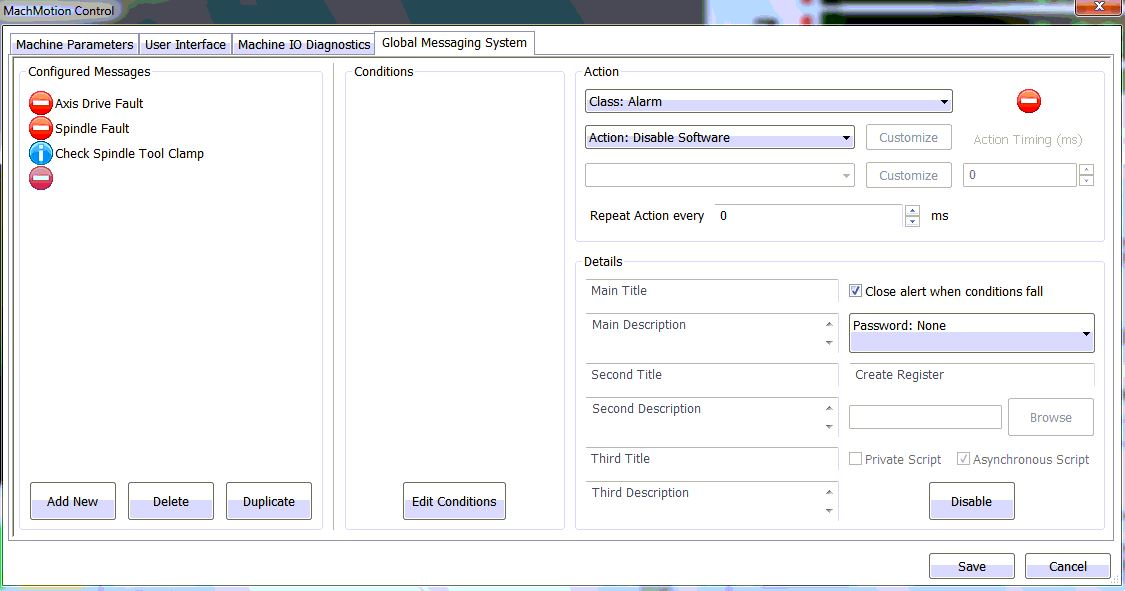
Also, you can select the "Action" that you want the control to perform. For example I have selected "Class: Alarm" and now I want the "Action: Disable Software"
After you have selected the "Action" you will need to add a title to the Message and a description that will display when the message triggers.
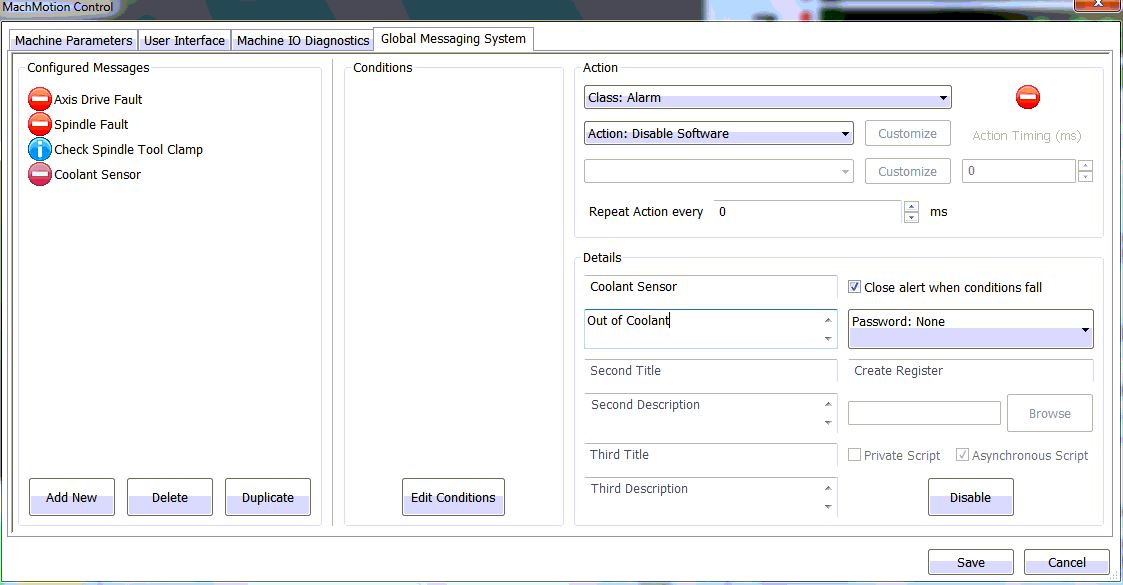
Next, you will need to select edit conditions button.
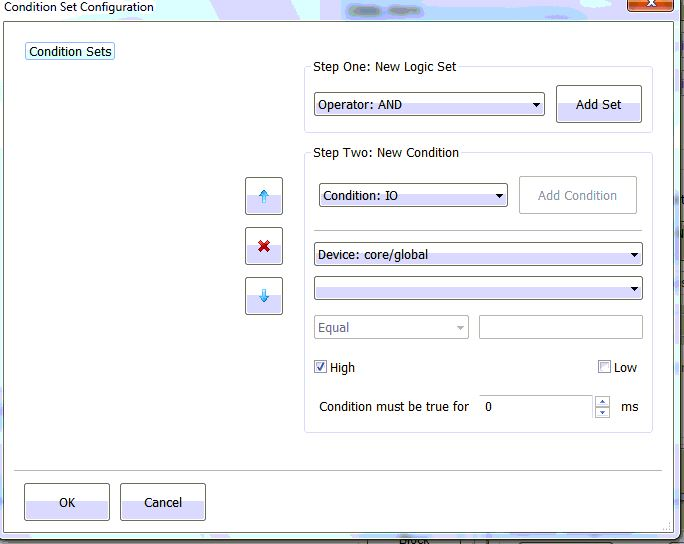
This window you will be able to set IO and and other "Conditions" for the message to trigger.
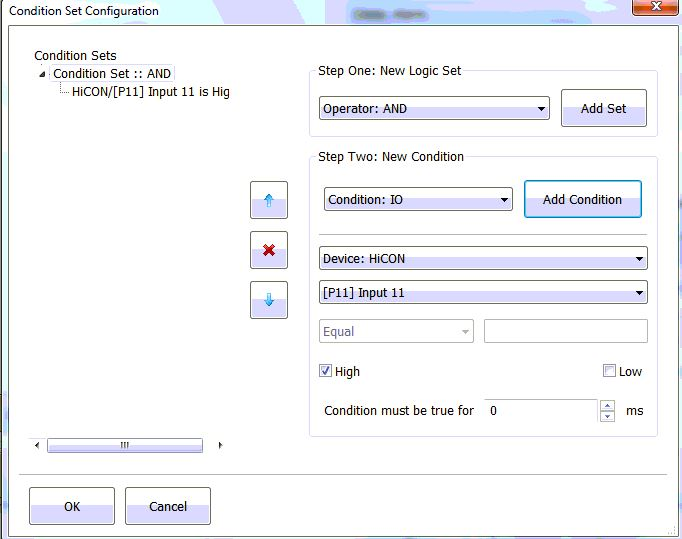
Once you have set the "Conditions" you can click "Ok"
Now click "Save"
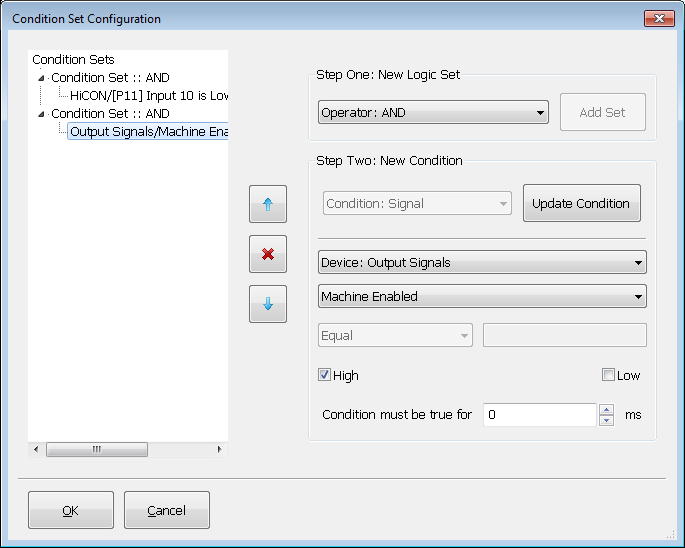
You can also setup a condition where the machine has to be enabled. Just set the "Device" to "Output Signals" and set it to be "Machine Enabled".
Keywords: 14530