
How to Use Documentation Library
Welcome to the MachMotion Support Document Library.
Here is a quick overview of certain screens you may see.
Library Screen:
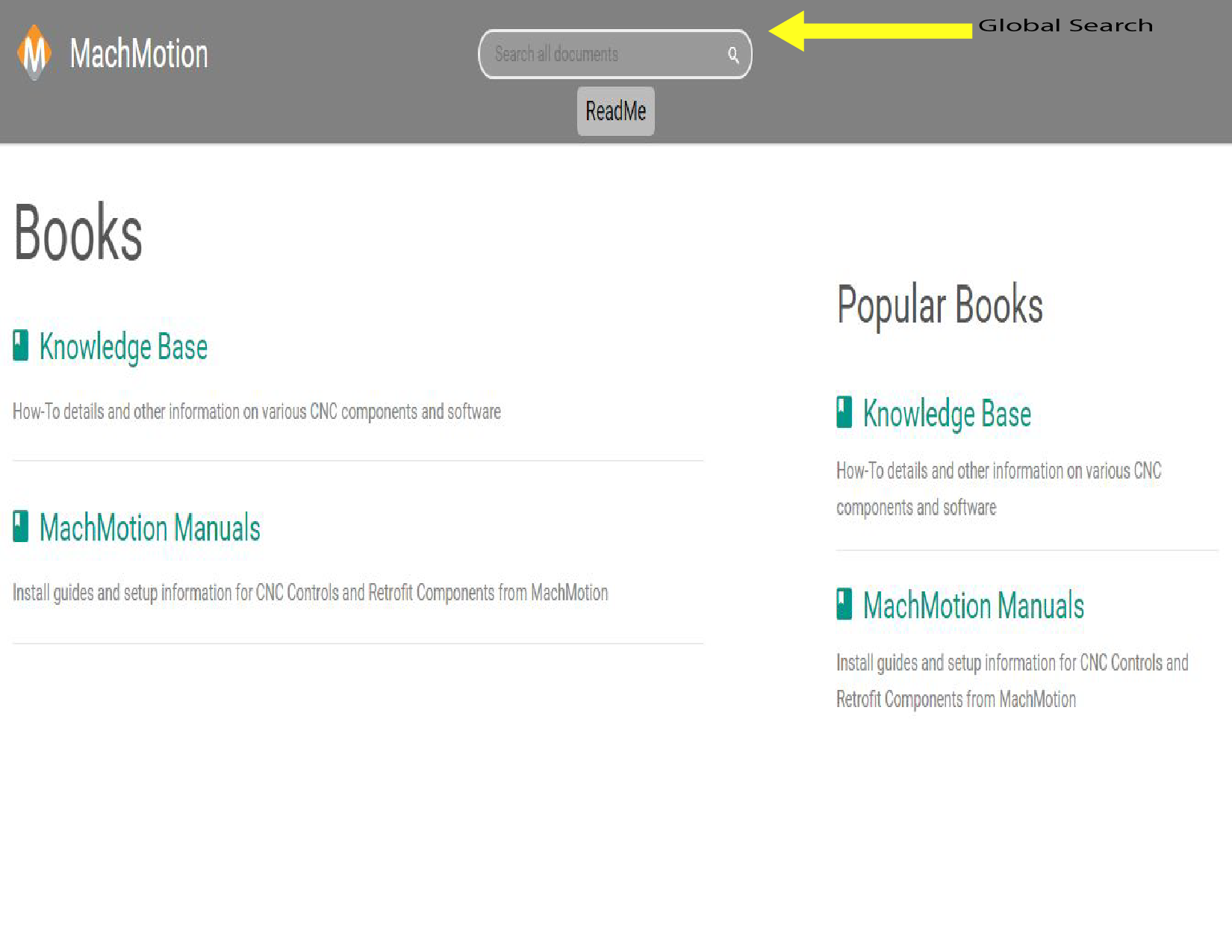
Global Search: You are able to search throughout the entire MachMotion Document Library
Book Screen:
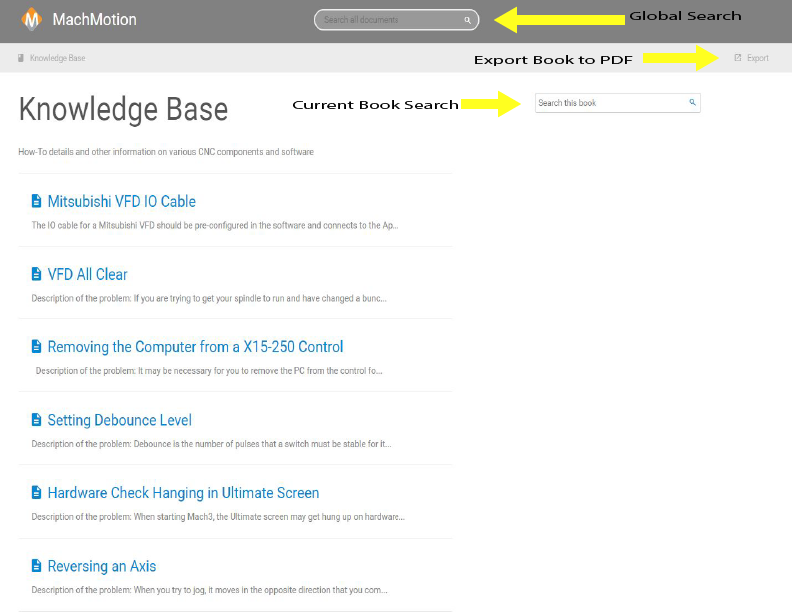
Global Search: You are able to search throughout the entire MachMotion Document Library
Export Document to PDF: You are able to download this document and View/Print in a PDF Viewer
Current Book Search: You are able to search throughout this current book
Document Screen:

Global Search: You are able to search throughout the entire MachMotion Document Library
Export Document to PDF: You are able to download this document and View/Print in a PDF Viewer
Attachments: You are able to download or view files that are attached to the document
Key Search Terms: These are key search terms for the search engine to assist in finding the best document for you.
Keywords: help, readme