
MachPro Import Mach3 or Mach4 Configurations
{{@2007#bkmrk--1}}
When you run the installer it will provide a field to select the configuration file to import. Mach3 uses XML files, and Mach4 uses INI files.
Mach3 configuration import
The Mach3 configuration file will be C:\Mach3\[profile name].xml. Common examples are:
- Mach3Mill.xml
- Mach3Turn.xml
- Plasma.xml
You will usually have multiple xml files on your control. The machine type should match your machine, and that file should have a recent date on it.

Browse to the correct file and click Next.
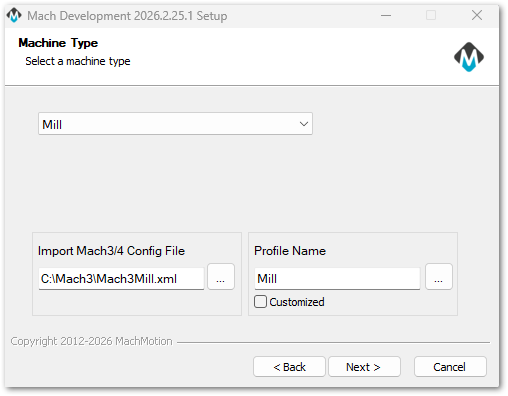
Before the configuration is imported, you will be provided with a summary of what will be imported.
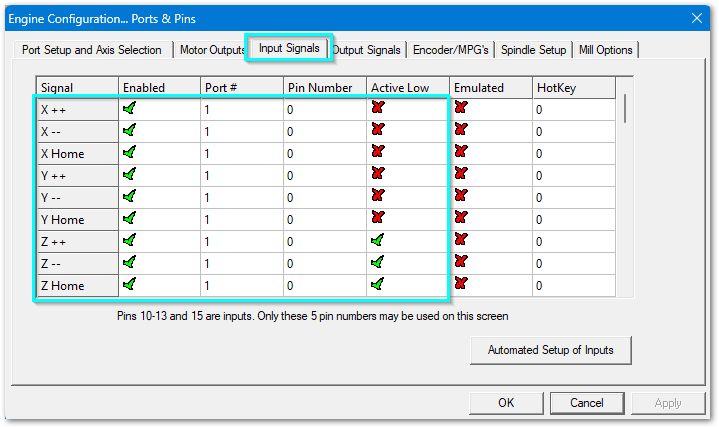
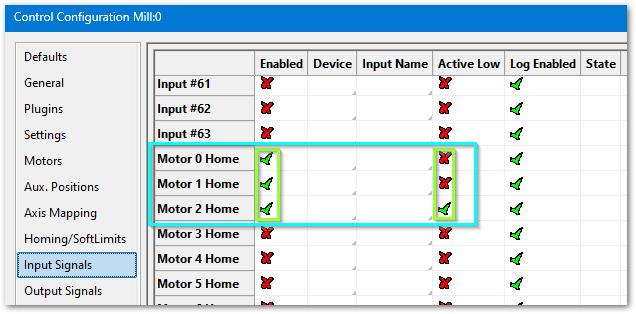
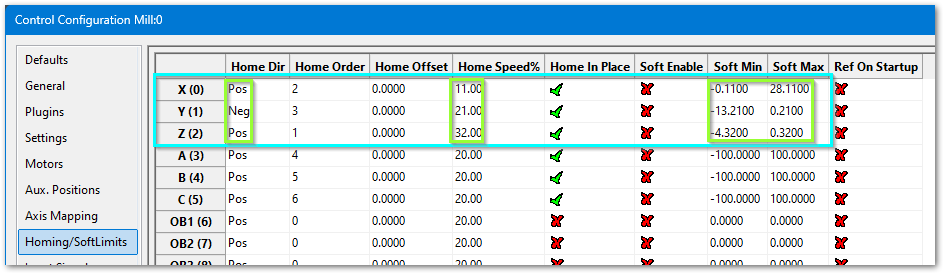
Note that we import the signal mappings, but we do not import the ports and pins as those values will change on a new motion controller.

| Mach3 values to be imported |
MachPro values as imported |
| inputs
|
need home ++ and -- screenshots for all axes |
| outputs
|
|
|
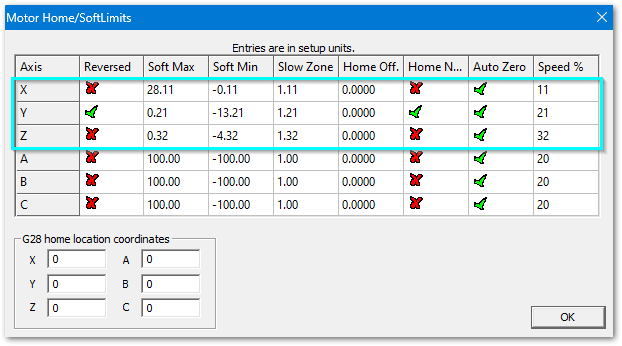
homing limits
|
|
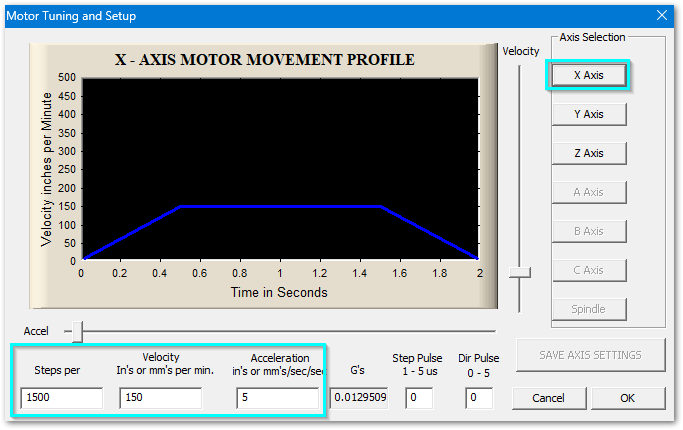
| motors x
|
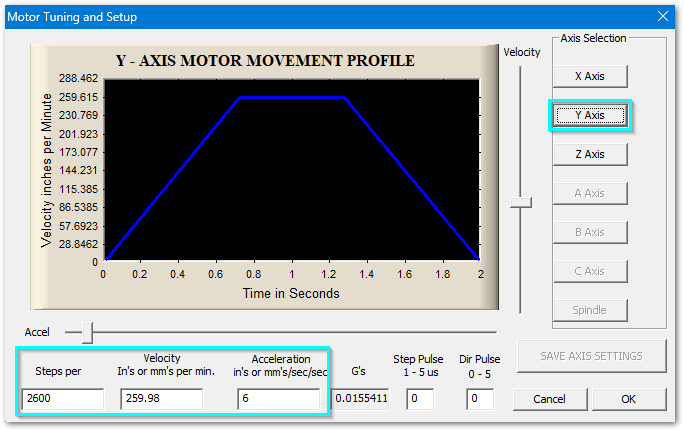
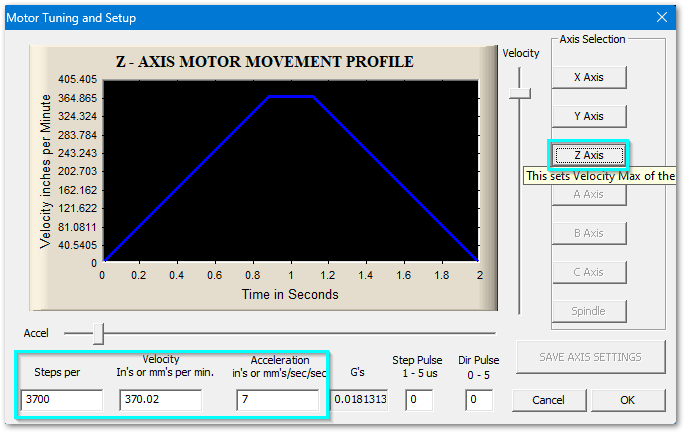
need velocity and acceleration |
| y
|
|
| z
|
|
|
spindle
|
need to not use range 0 on the spindle |


Mach4 configuration import
The Mach4 configuration files will be named C:\Mach4\Profiles\[machine type]\machine.ini
The date on your current INI file should be current

Common machine types are:
- Mill
- Router
- Plasma
- Turn
Browse to the correct file and click Next.
We import the INI file. Custom screens and scripts are not part of the INI file and we do not import those.
Go back to the roadmap - complete the pkg install, then configure your motion controller and signal mapping within MachPro.